Orders and shipping
Recognises callers by number and reads order status, carrier and tracking number from your store.
WooCommerce
The voice agent connects to your WooCommerce store on WordPress with a read-only REST key and reads products, orders and customers directly from your store.
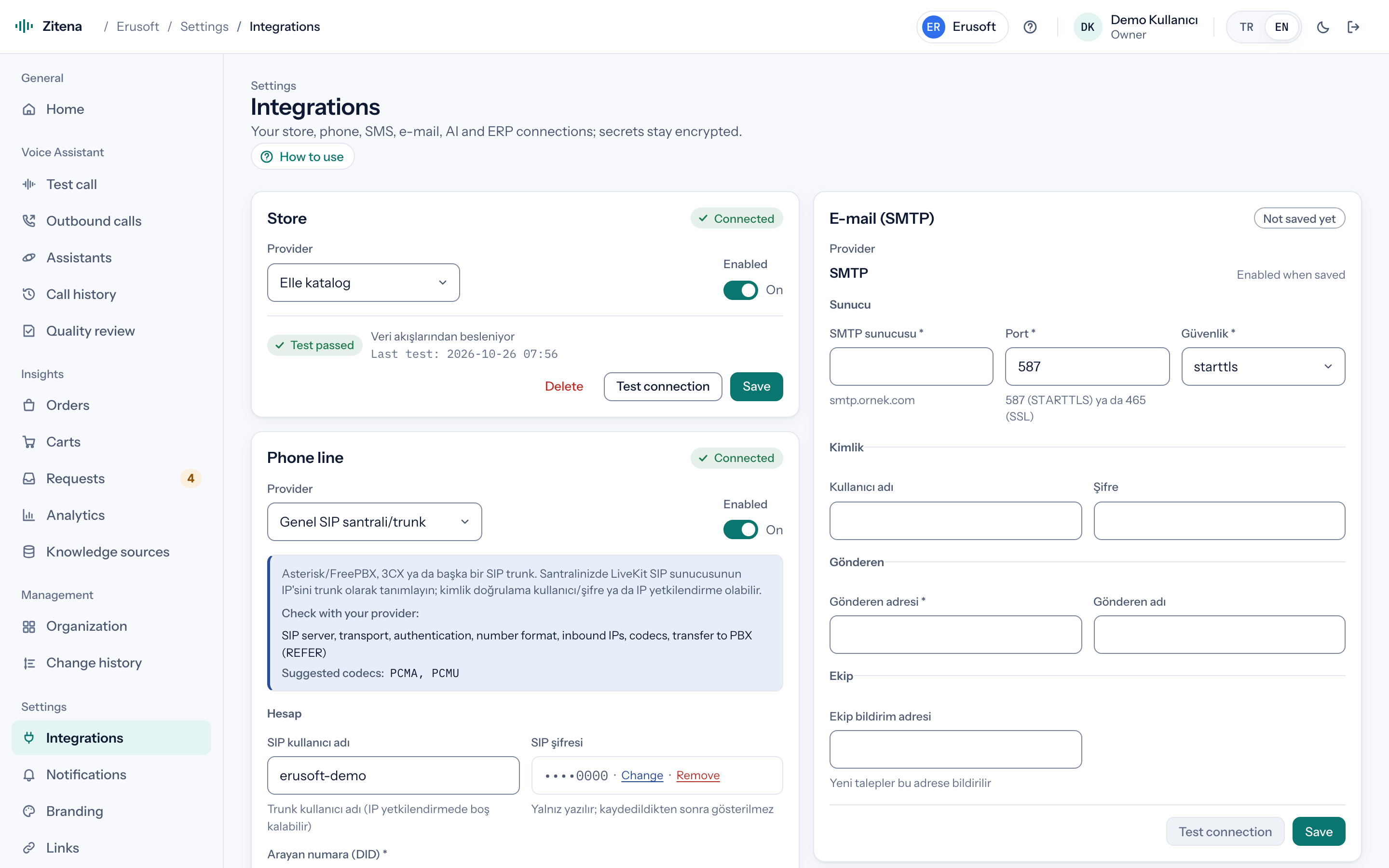
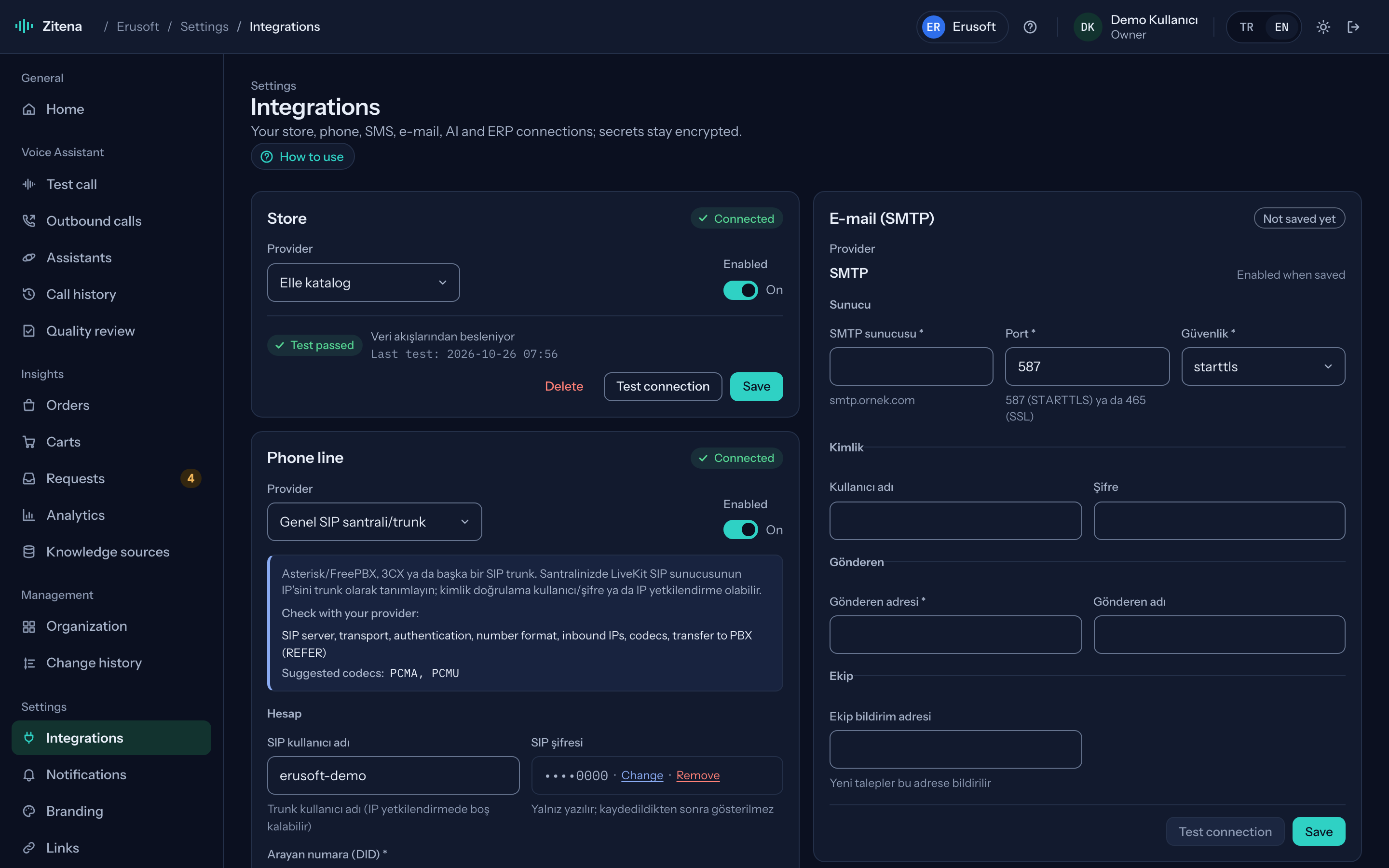
Connection
The detailed steps are in the WooCommerce setup guide. We always do the first setup together.
A key with "Read" permission is created under WooCommerce → Settings → Advanced → REST API.
The key goes into the console form and the connection is tested. Saved keys are never shown again and are stored encrypted.
Approved address changes and cancellations are written to the order automatically through a REST key with write permission. You decide which actions are automatic.
What it does in your store
Recognises callers by number and reads order status, carrier and tracking number from your store.
Products, variations, prices and stock come from your store, so product answers are current.
Checks eligibility against your return policy, explains the process and opens a request in your team's inbox.
For orders that haven't shipped, it collects the new address step by step and reads it back for confirmation.
Single-use coupons offered on cart recovery calls are created directly in your WooCommerce store (with a write-enabled key).
If you switch it on, the agent can build a cart on the call and text a payment link. On WooCommerce the link fills the cart and opens checkout.
Requirements
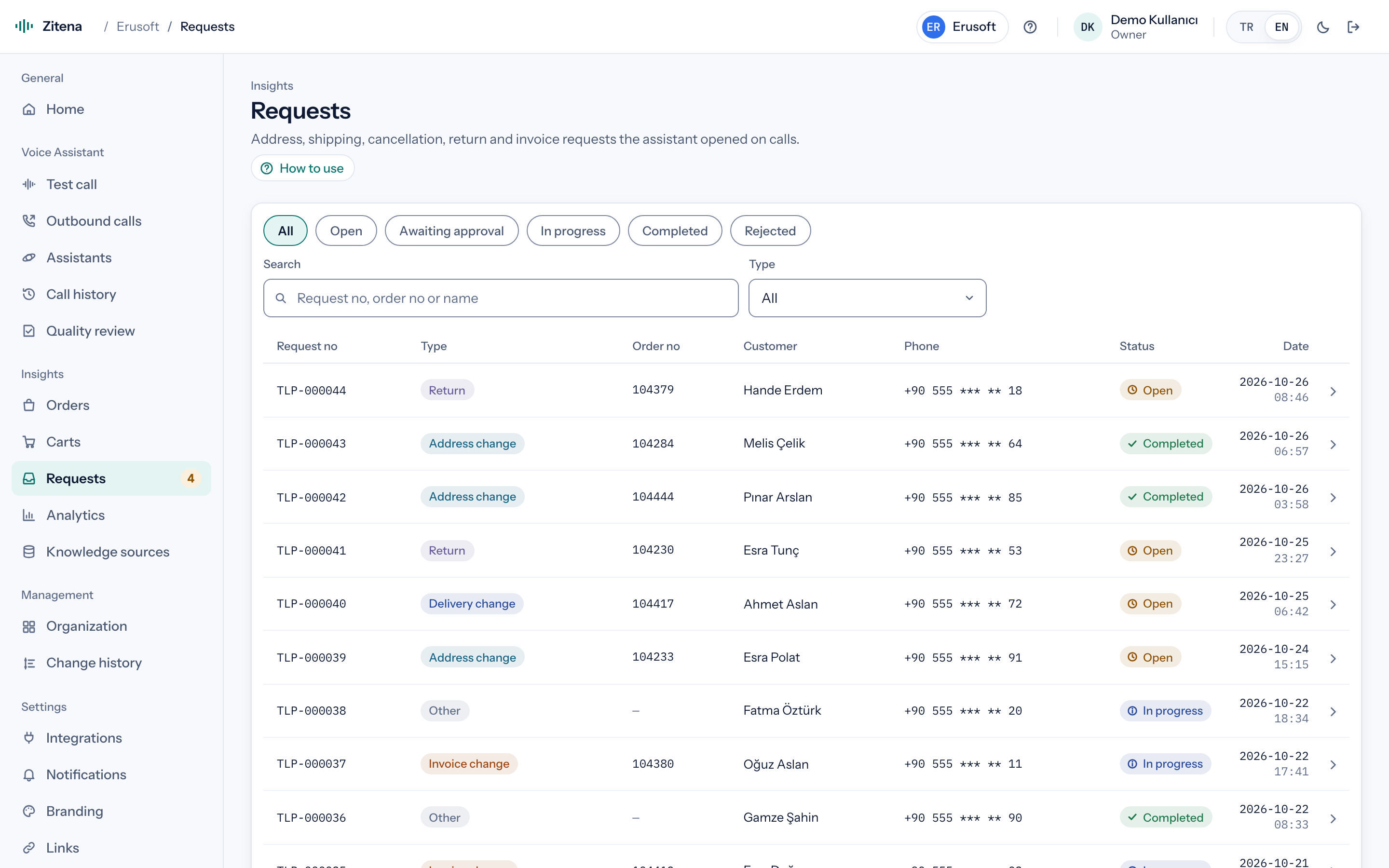
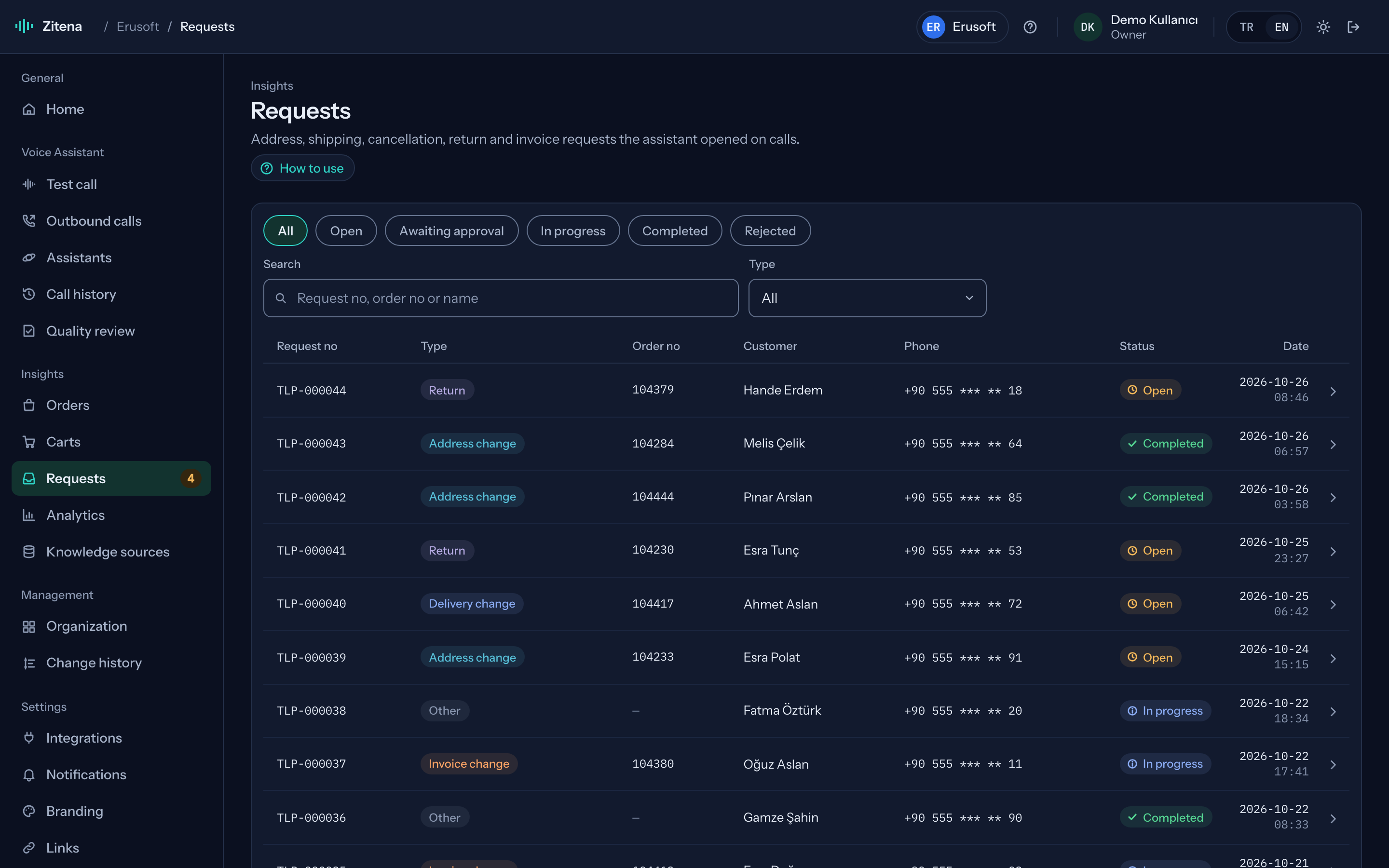
No. Reading only needs a REST API key. If you want approved address changes and cancellations written to the order automatically, we set up a separate REST key with write permission together.
Read is enough for orders, products and customers. Actions that write to the store, such as creating coupons for cart recovery, use a separate key with write permission that we set up together. Keys are stored encrypted and never shown again.
No. Carts don't come through the connector; your site's server sends them through the Data API.
No. Your existing SIP line is connected and you keep your number.
In thirty minutes we walk through the console, place a live call and work out which of your calls the agent can take.
or write to [email protected]