Order and shipping status
Finds the order and reads the status and tracking details. Tracking numbers are repeated digit by digit so they are easy to follow.
order lookupInbound calls
Calls come in on your own SIP line and your own number. The agent recognises the caller by phone number, finds the order and does what needs doing: reads the shipping status, takes the new address, starts the return. What it can't do, it hands to the right person by topic and working hours.
How a call flows
Whichever assistant your number maps to answers. The greeting and your store name are your settings.
The number is matched to order phones through a keyed HMAC. The plain number is never shown anywhere.
From the caller's number or the order number they say. If there are several orders, it asks which one.
Status read, request opened, callback booked or call transferred. Every step shows in the console.
What it does
Finds the order and reads the status and tracking details. Tracking numbers are repeated digit by digit so they are easy to follow.
order lookupFirst checks whether the order has shipped. If not, it collects the new address step by step, reads it back for confirmation and opens a change request.
change requestChecks eligibility against your store policy, explains the process and creates a request in your team's inbox.
return requestAnswers from your catalog and knowledge base; if the item isn't available it suggests a similar one. If your installment table is connected, it also gives the maximum number of installments and the monthly amount by bank.
catalog searchAnything that can't be finished on the phone reaches your team as a request with its topic and details.
requestUnderstands phrases like "tomorrow afternoon" or "Friday morning" and books a slot within your calling hours.
appointmentNatural conversation
Sample call — voiced re-creation
Not a real customer call: a voiced re-creation of a scenario that mirrors the live product flow. The live agent speaks Turkish; we tailor it to other languages on request.
Agent Hi, thanks for calling Erusoft, this is Deniz. How can I help?
Customer Hi, yeah. I ordered some headphones last week, and I'm just wondering where they are.
Agent Sure, I can check that. What's your order number?
Customer Uh, it's one oh four two two... sorry, no. One oh four two one one.
Agent One, zero, four, two, one, one. One moment, let me check.
Agent Okay, found it. Your order is being packed, and it hasn't shipped yet. It's due to go out tomorrow morning, and once it does, you'll get a text with the tracking—
Customer Oh, sorry, that's actually why I'm calling. If it hasn't shipped, can I change the delivery address?
Agent Yes, since it hasn't shipped, we can still change it. What's the new address?
Customer It's Flat 3, 14 Kestrel Road, Hackney, London, E8 4QX.
Agent Thanks. So that's Flat 3, 14 Kestrel Road,
Customer Mm-hm.
Agent Hackney, London, E8 4QX. Is that right?
Customer Yep, that's it.
Agent Great. I've created the address change request, so your order will go to the new address. Would you like a text confirmation to the number on your account?
Customer Yes, please.
Agent Done, that's sent. Is there anything else I can help with?
Customer No, that's everything. Thanks a lot.
Agent You're welcome. Have a great day.
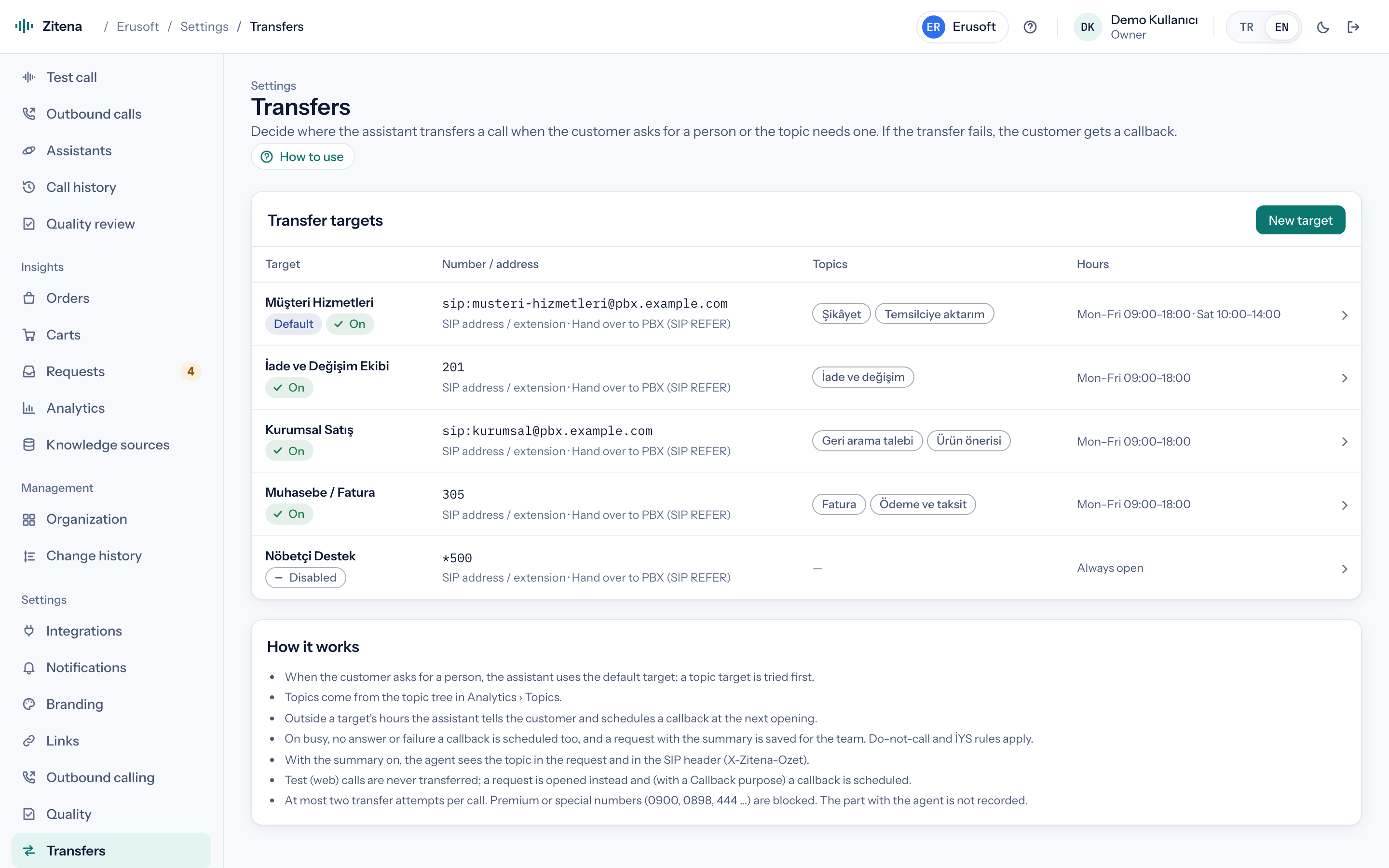
Human handoff
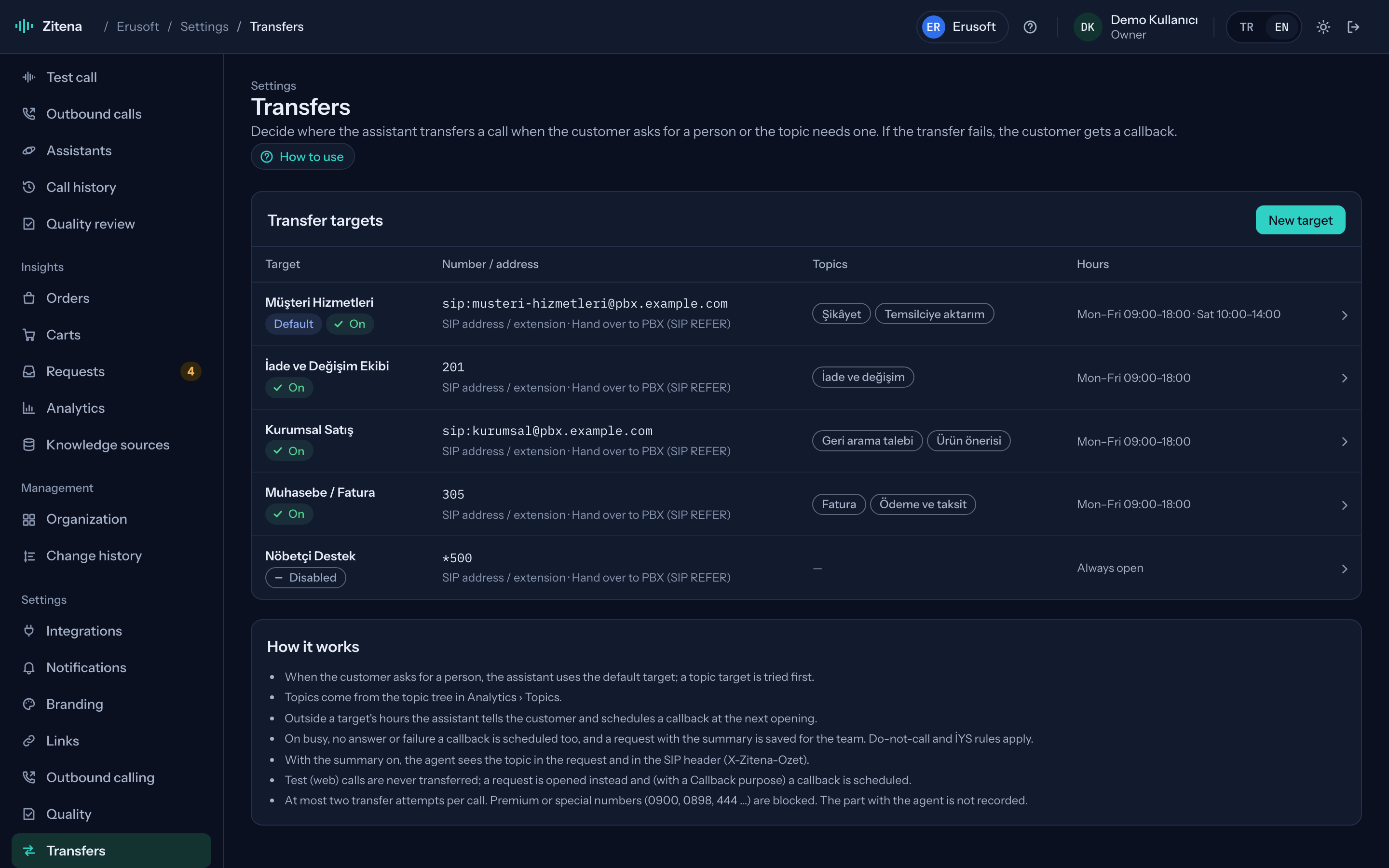
You decide which topic goes to whom and during which hours calls are transferred. If the person doesn't pick up, the agent doesn't leave the customer hanging: it says so and books a callback.
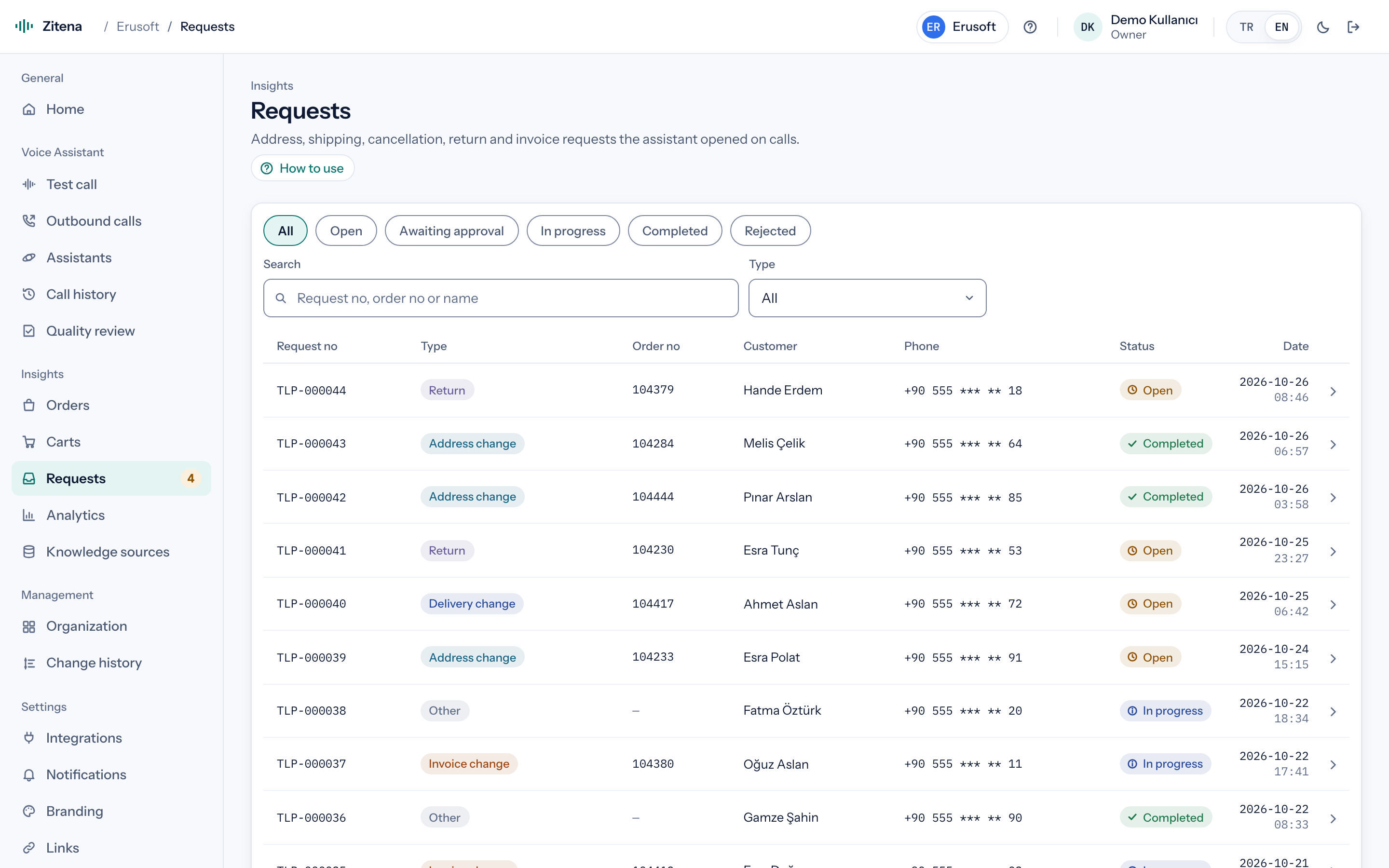
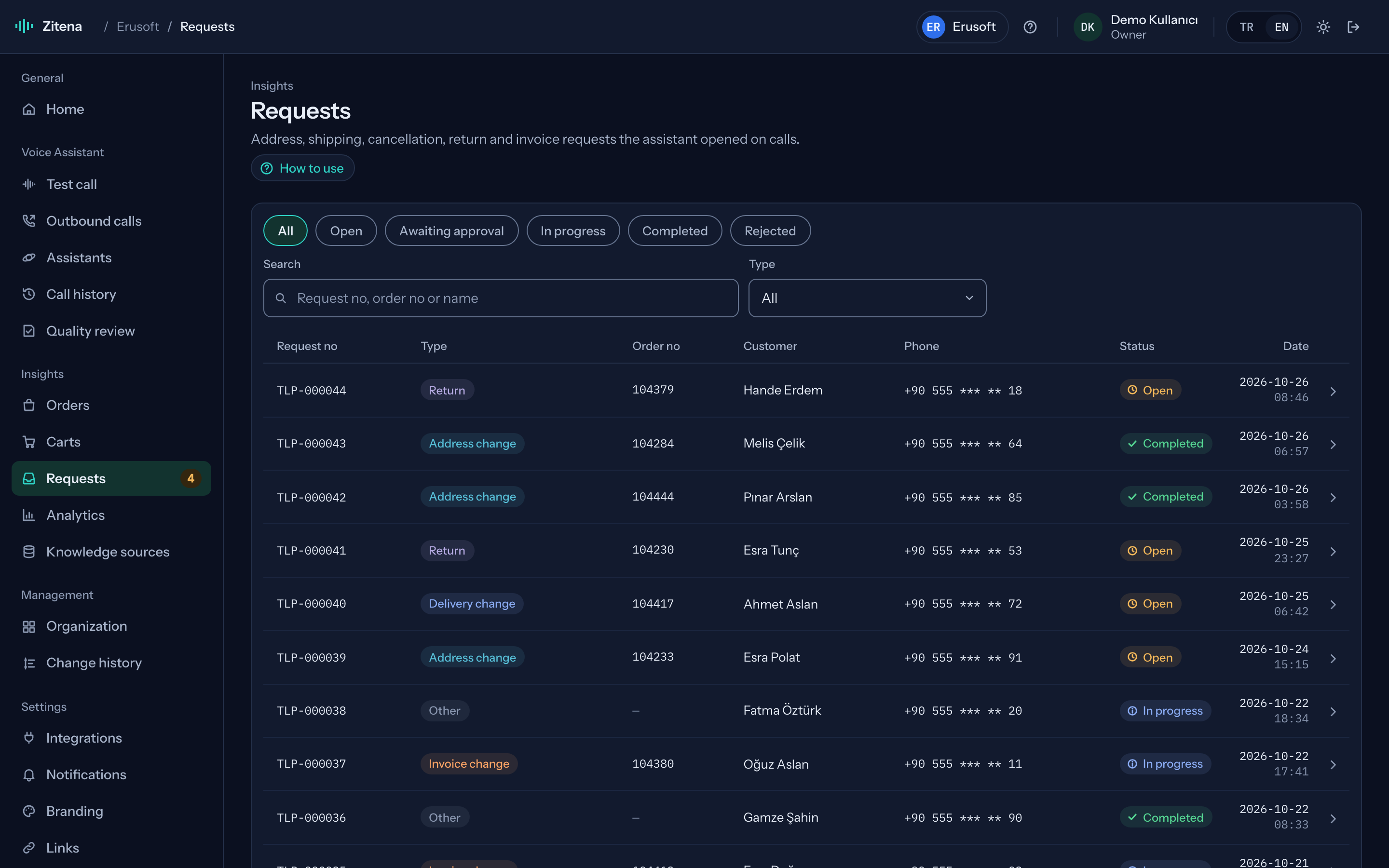
In the console
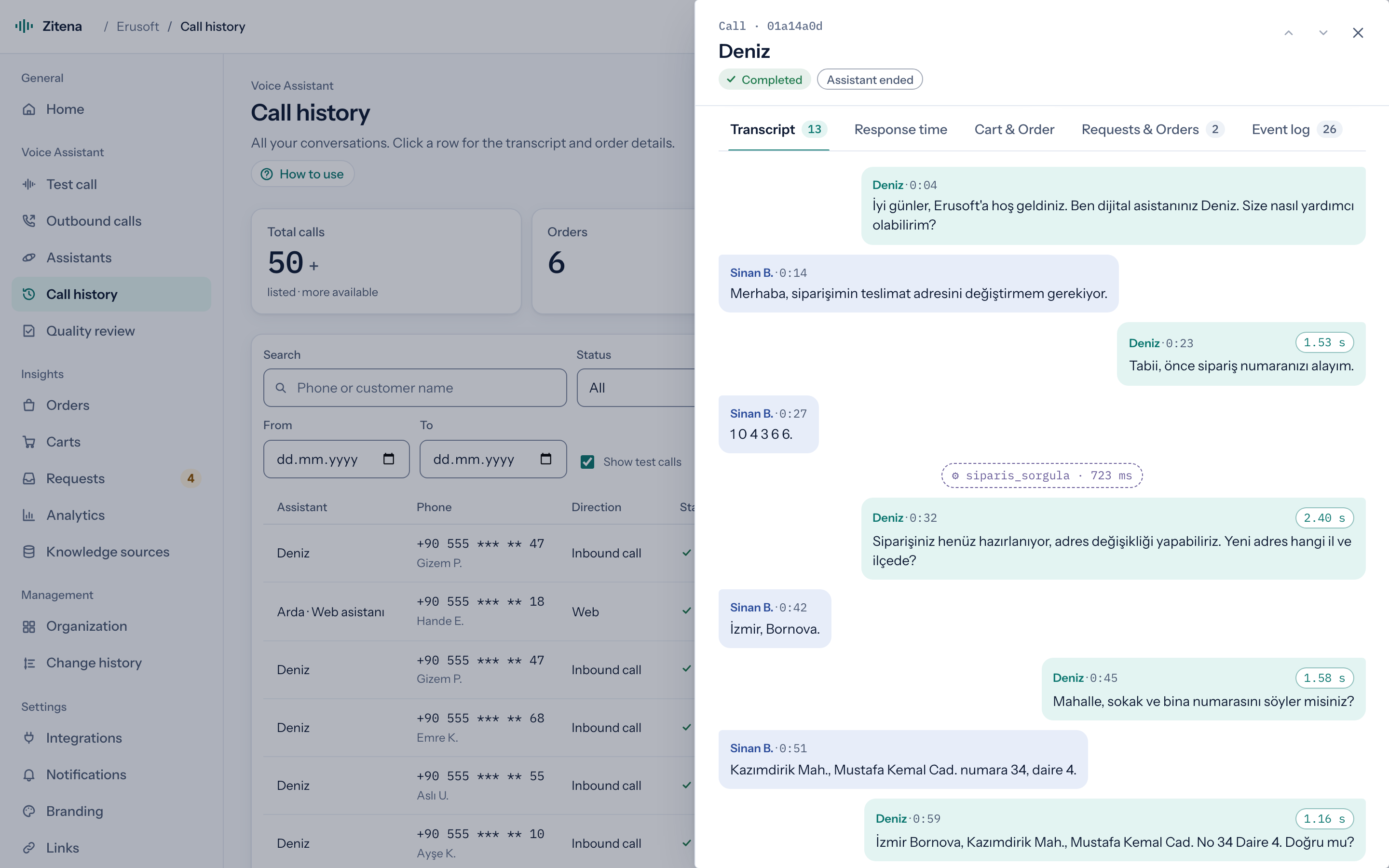
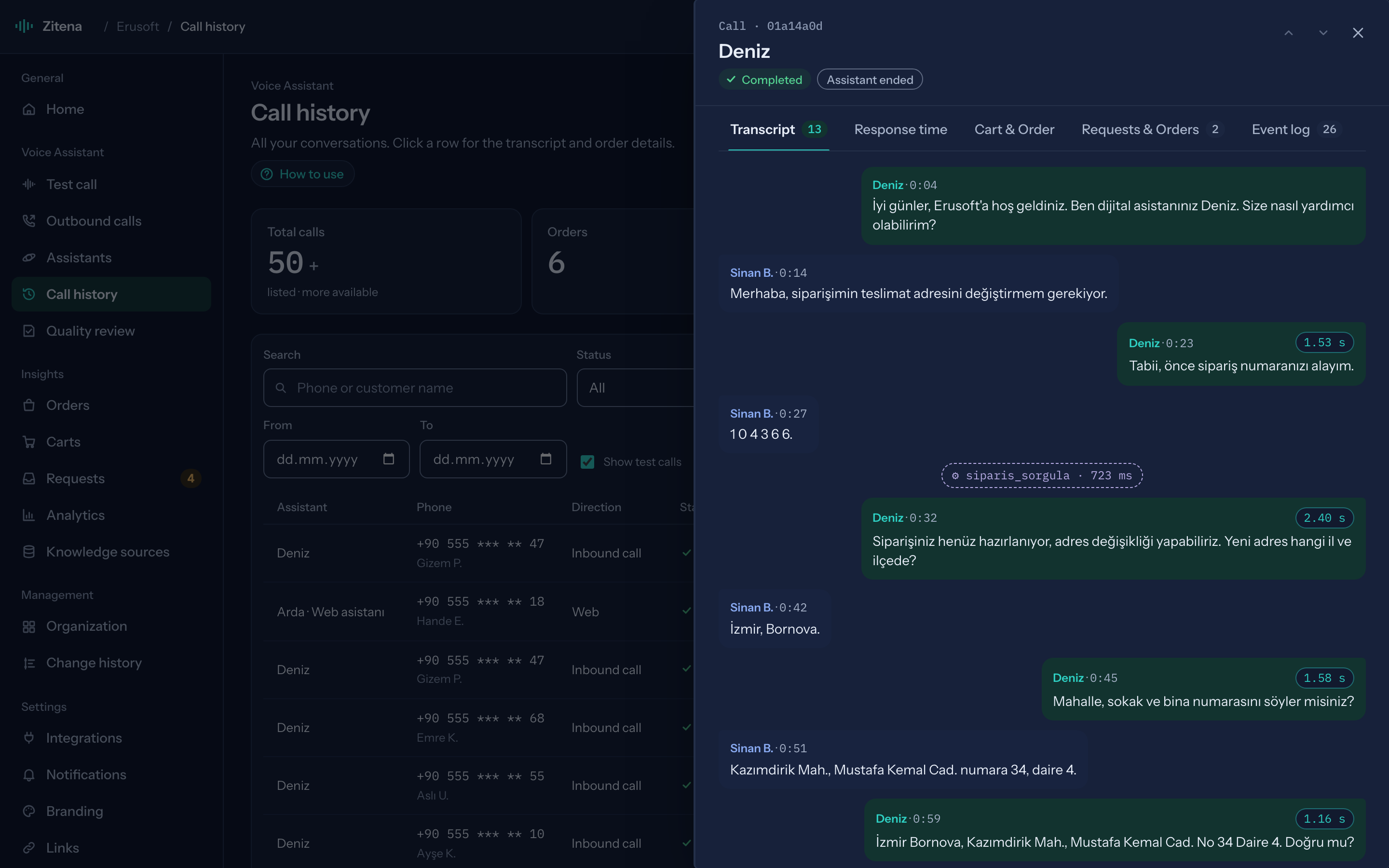
Follow the transcript while the call is live; afterwards the recording, response times, tools used and requests created stay on the call page.
Phone line
We connect your existing SIP line with presets (Twilio, Telnyx, Vonage, Plivo, Netgsm, Verimor and others) or generic SIP. Each number maps to an assistant, and we define the transfer targets.
In thirty minutes we walk through the console, place a live call and work out which of your calls the agent can take.
or write to [email protected]