Setup
Connect your IdeaSoft store step by step.
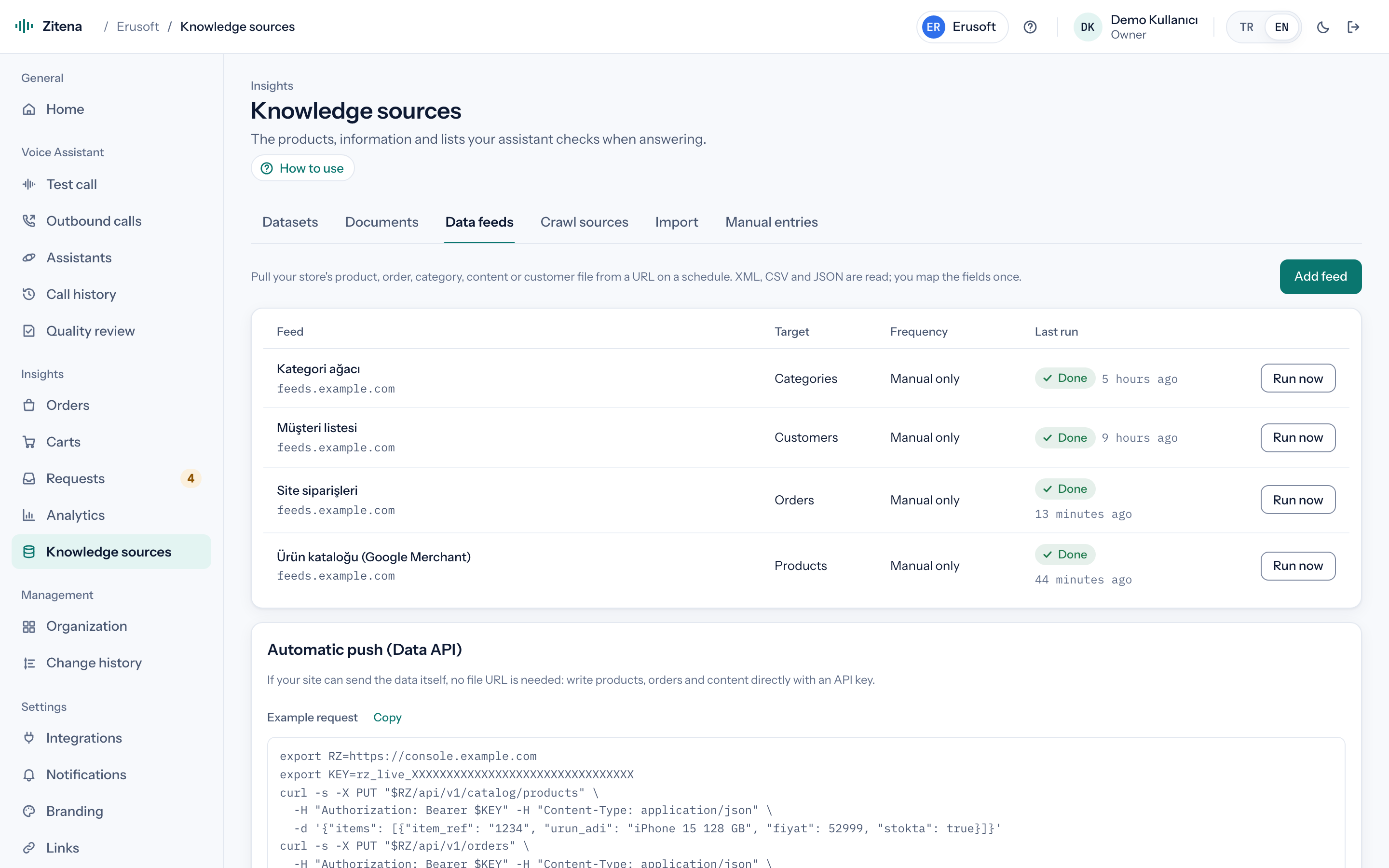
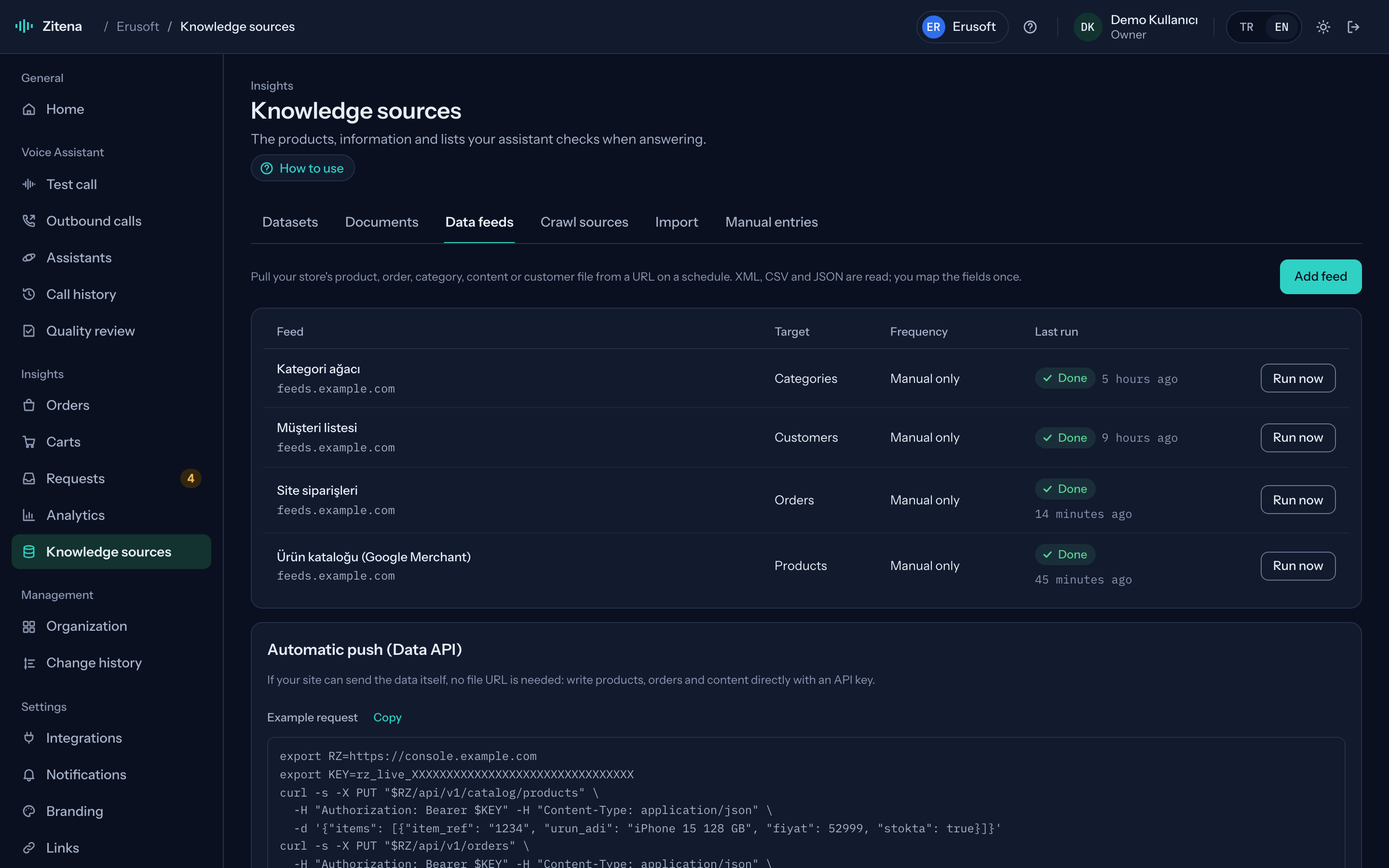
Products come from the product XML in your IdeaSoft admin, orders through the Data API. The IdeaSoft Admin API requires a redirect-based authorization, so a direct connector isn't available yet.
- Connection
- Guided setup template · XML + Data API
Setup steps
Store data first, then the phone line and the assistant. Each step says who does it.
Get your product XML URL
Create a product XML in your IdeaSoft admin (for example a Google Shopping or marketplace XML) and copy its URL. We pick the right export together during setup.
We do this together during setupPaste it into the console
We verify product name, SKU, price and stock mapping together in the preview.
We do this together during setupSend orders through the Data API
A secret API key is created in the console and shared with your developer or integrator over a secure channel. The IdeaSoft integration sends orders with status, carrier, tracking number and customer phone to PUT /api/v1/orders; the assistant then recognises callers by phone and answers shipping questions.
We do this together during setupConnect your phone line
We connect your existing SIP line with one of the presets (Twilio, Telnyx, Vonage, Netgsm, Verimor and others) or generic SIP. You keep your number; we map which number goes to which assistant and set the transfer targets.
We do this together during setupSet the assistant up for your store
Greeting, return and exchange policy, working hours, which topic goes to whom, and outbound call purposes. We add your shipping and payment pages to the knowledge base.
We do this together during setupTest, then go live
Place a test call from the browser or to your own phone and follow the transcript, response times and created requests in the console. Publish the version when you are happy; roll back in one click if needed.
Guided setup
The first setup is always done together.
We never leave a store alone with a setup document. We do the first setup with you, over a screen share or by collecting details through a secure channel, and we listen to the first test call together.
Other platforms

Hear it on a call with your own store's data.
In thirty minutes we walk through the console, place a live call and work out which of your calls the agent can take.
or write to [email protected]