Console & analytics
Everything the agent does, in plain sight.
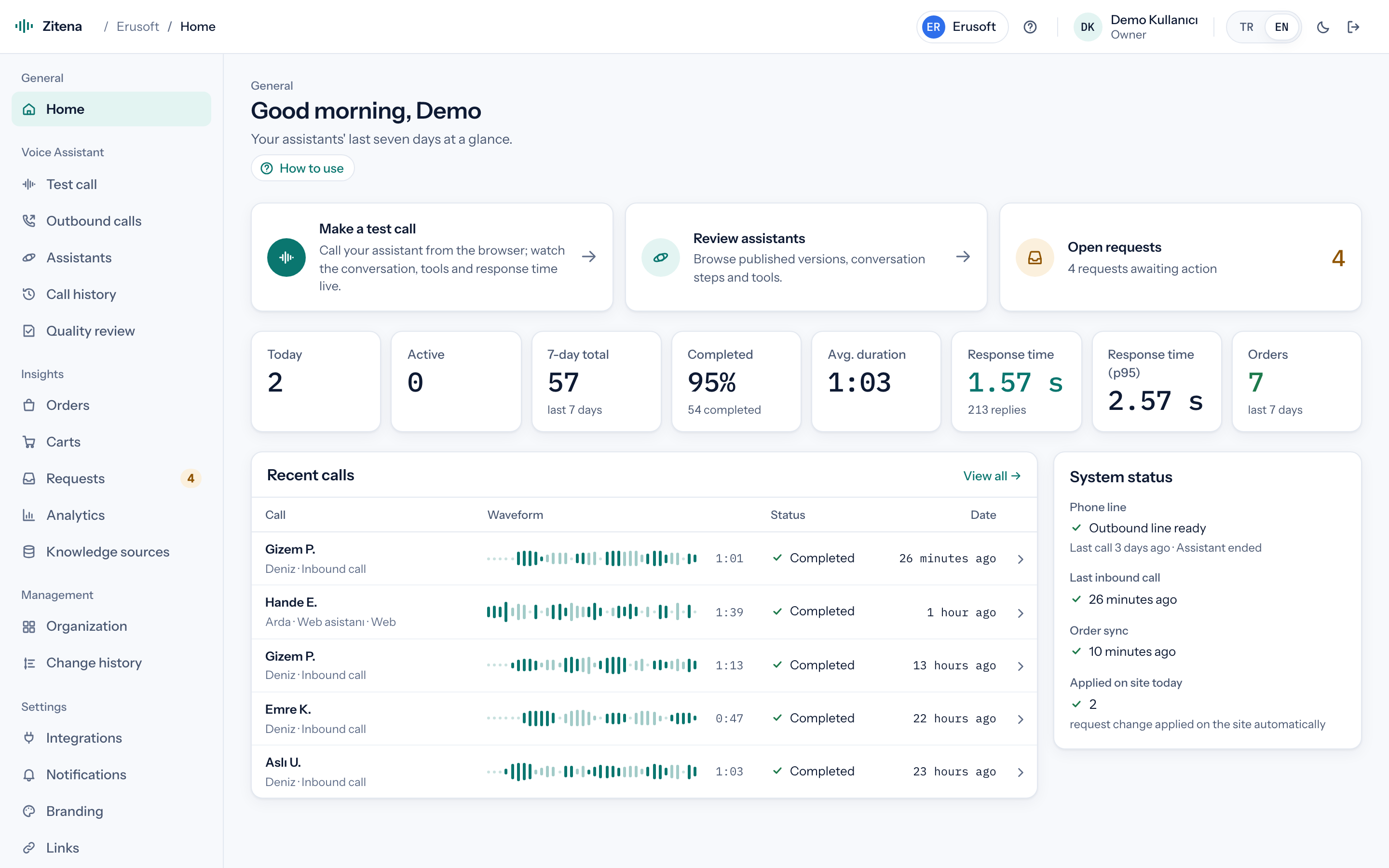
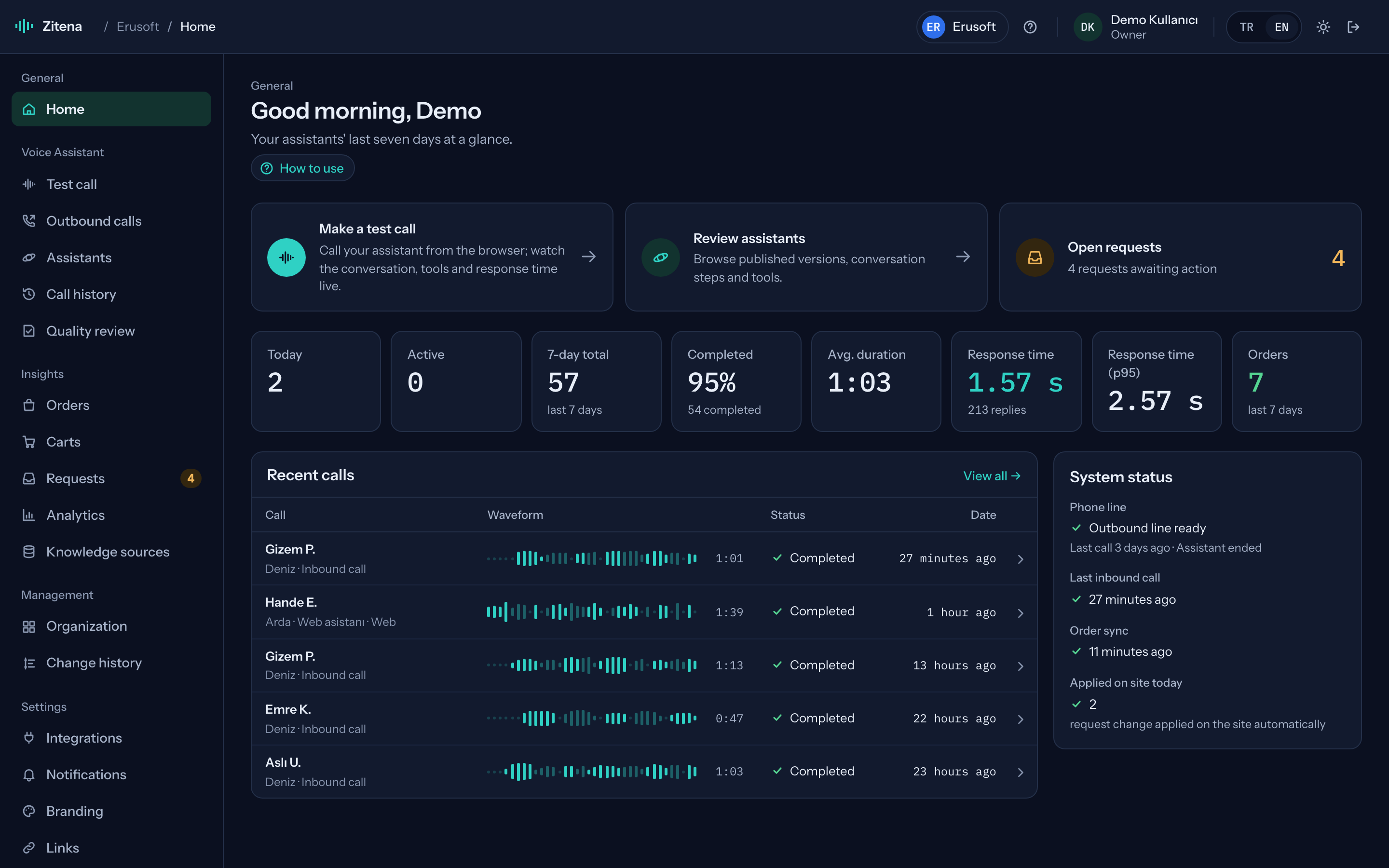
Read the transcript while the call is still going, see which tool the agent called and how quickly it answered. When the call ends, its topic, outcome and the request it opened are already in the console.
Live call
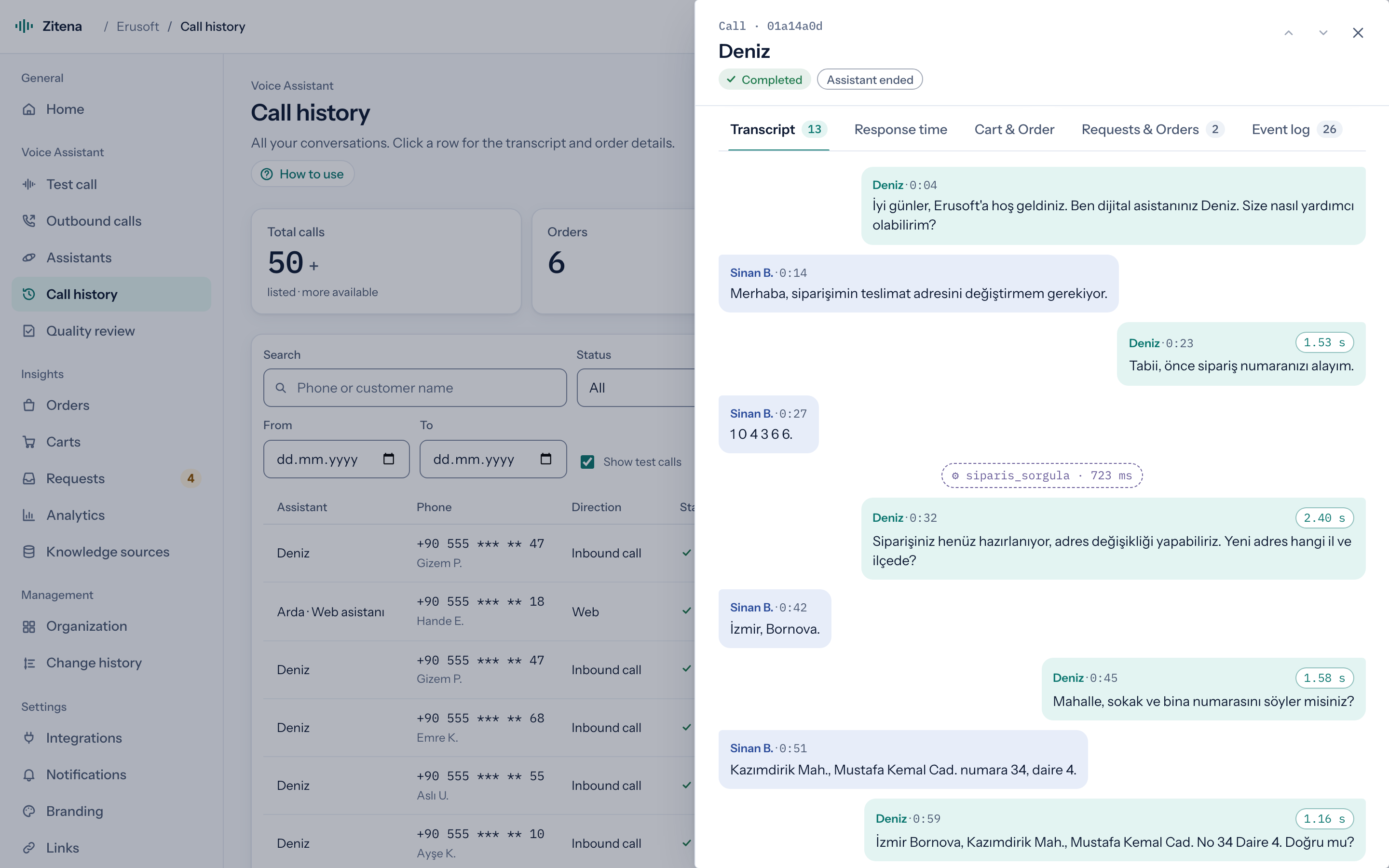
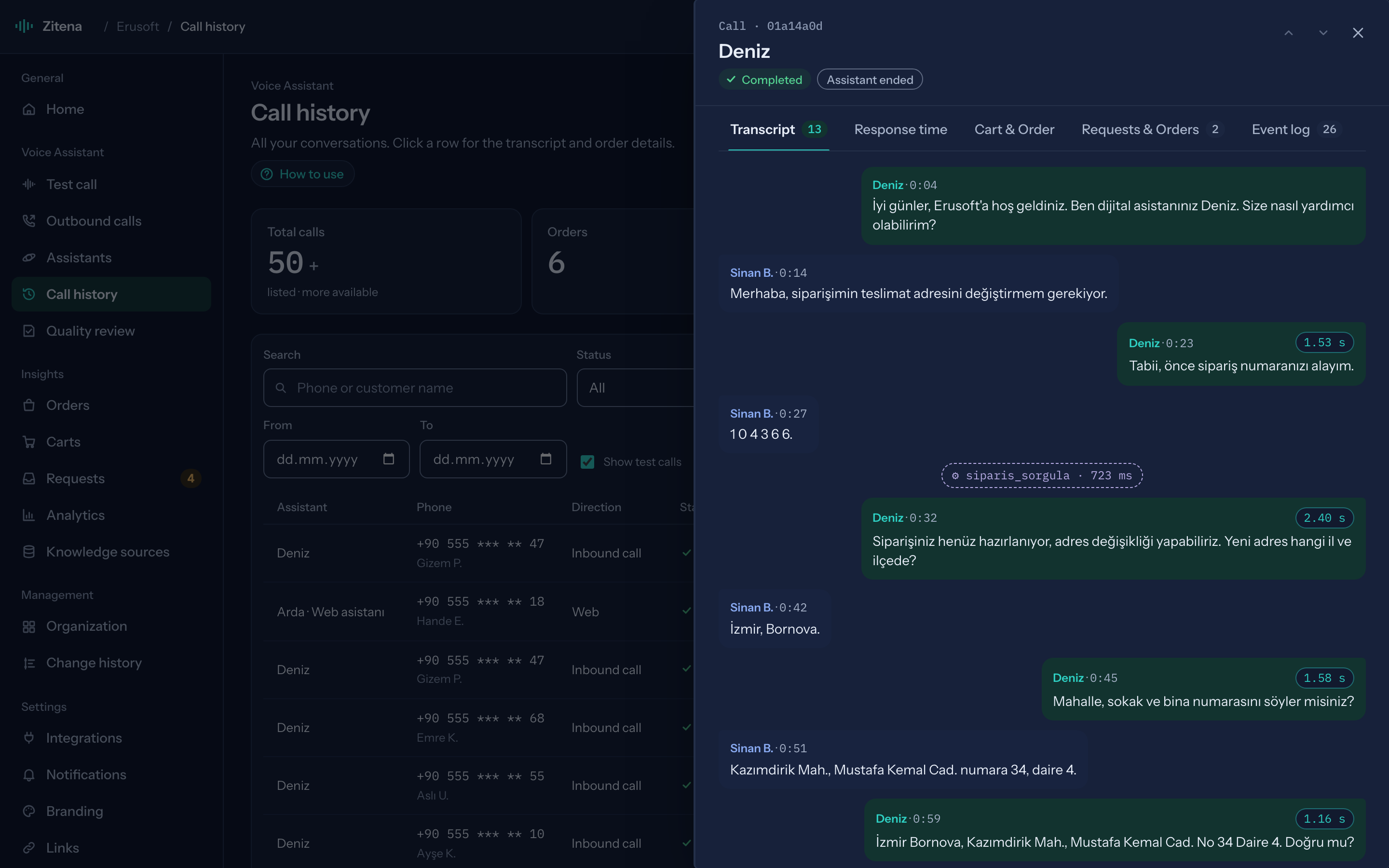
Read the transcript while the call is still going.
Speech bubbles flow in separate colors for customer and agent. Each agent turn shows its response time, and dashed lines in between show the tools the agent called and what came back.
- Response time per turn
- Tool calls: order lookup, address index, request creation
- Voice-message style waveform and recording
Topics
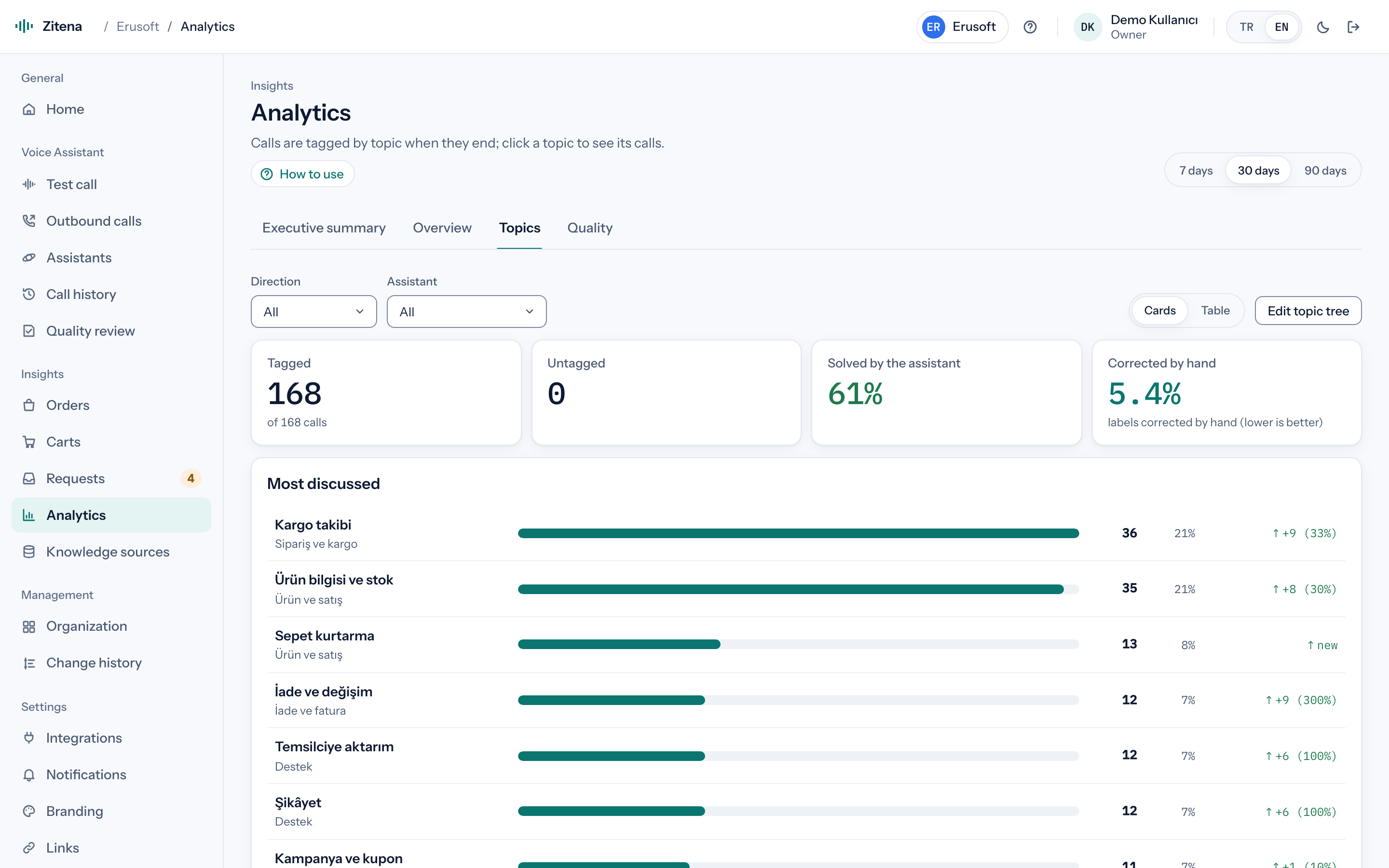
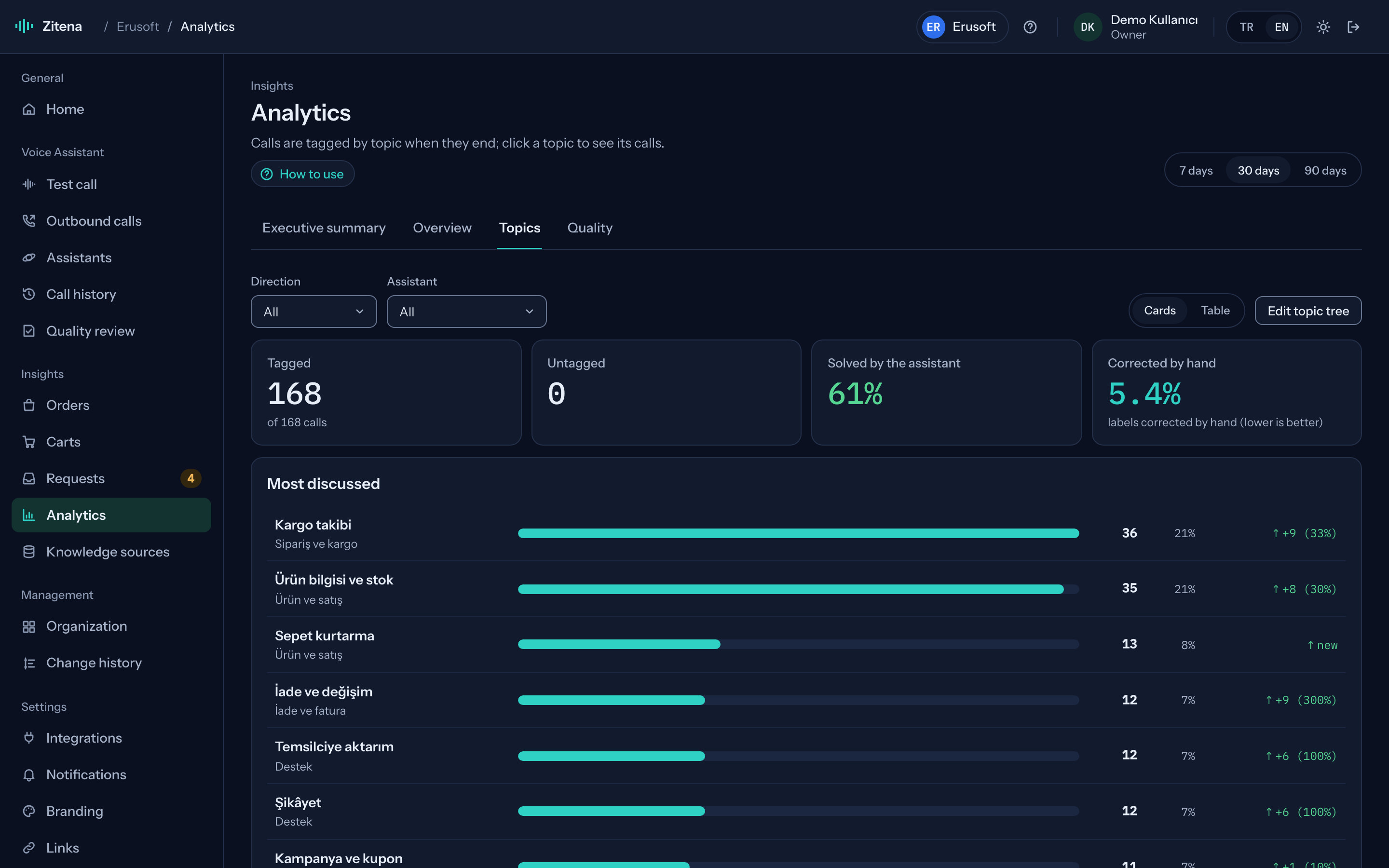
What do customers call about, and how much does the agent solve?
Every call is tagged by topic when it ends. You see how topics shift between periods, the share solved by the agent and which tags were corrected by hand. Fix a wrong tag and the correction rate stays visible on screen.
- Edit the topic tree to fit your business
- 7, 30 and 90-day trends
- Click a topic to drill into its calls
Carts
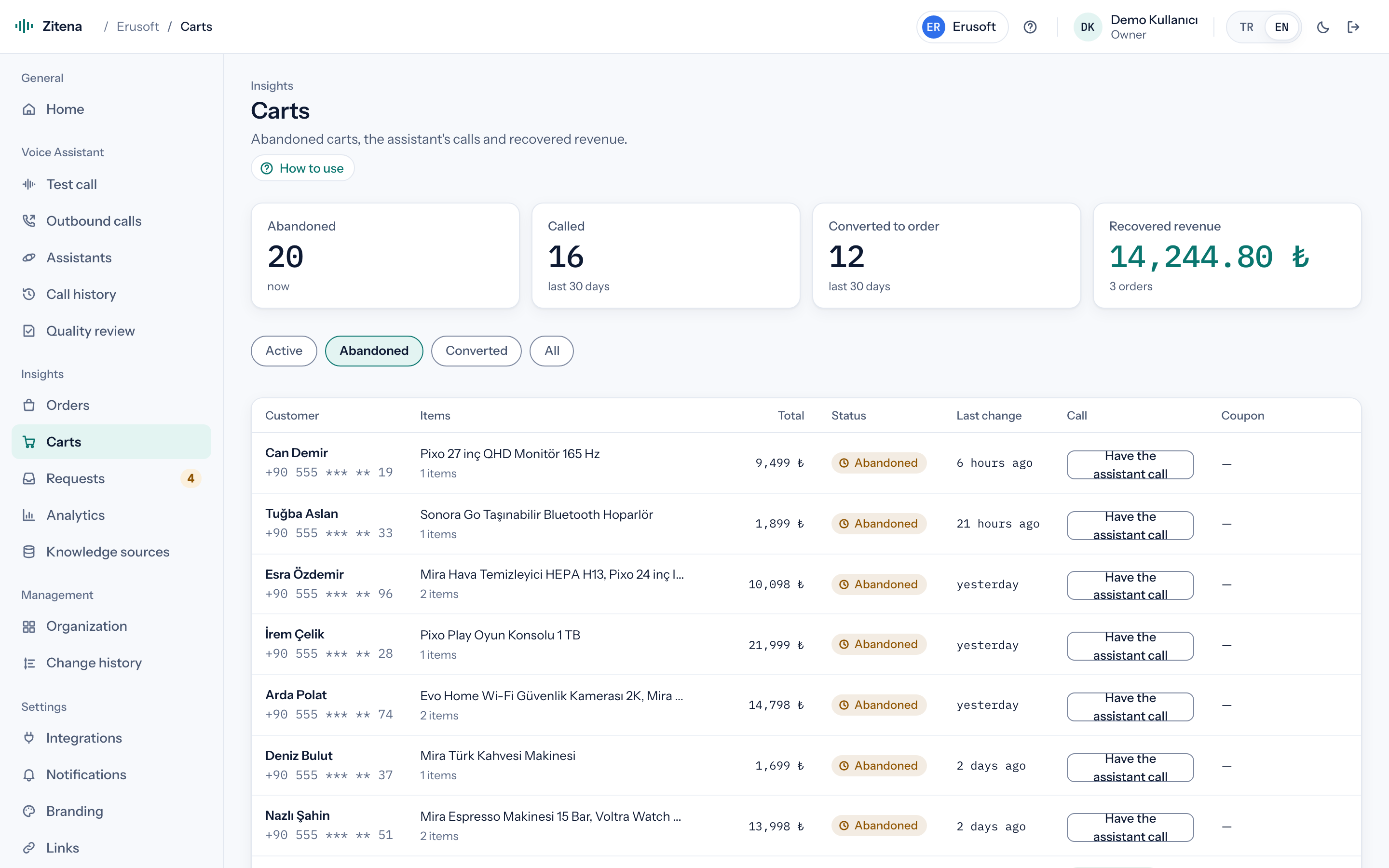
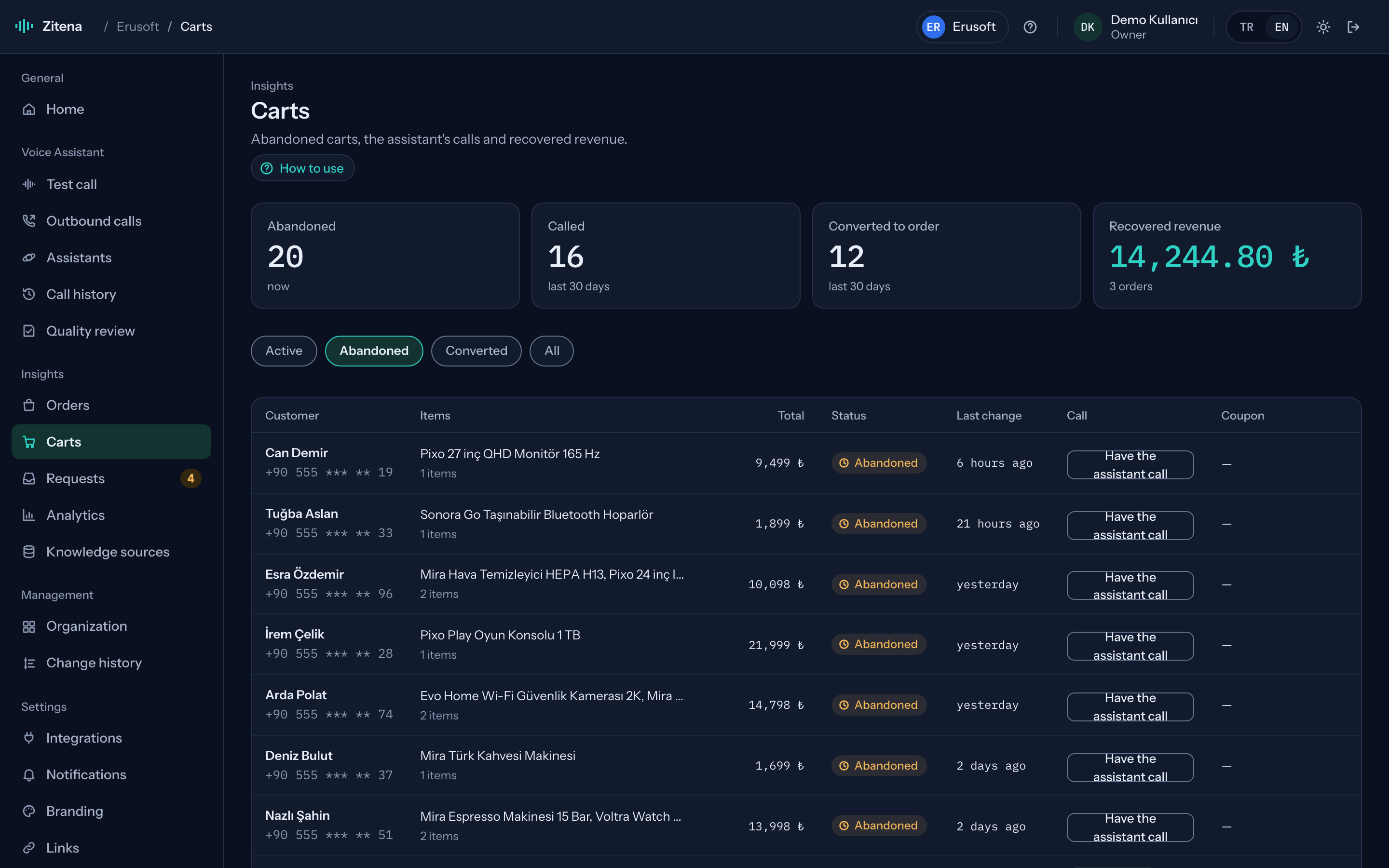
From abandoned cart to recovered revenue.
Carts that arrive through the Data API, the recovery calls made for them and the revenue that came back afterwards, on one page.
- Cart and call status side by side
- Rule-based, single-use, email-locked coupons
- Recovered revenue
Requests
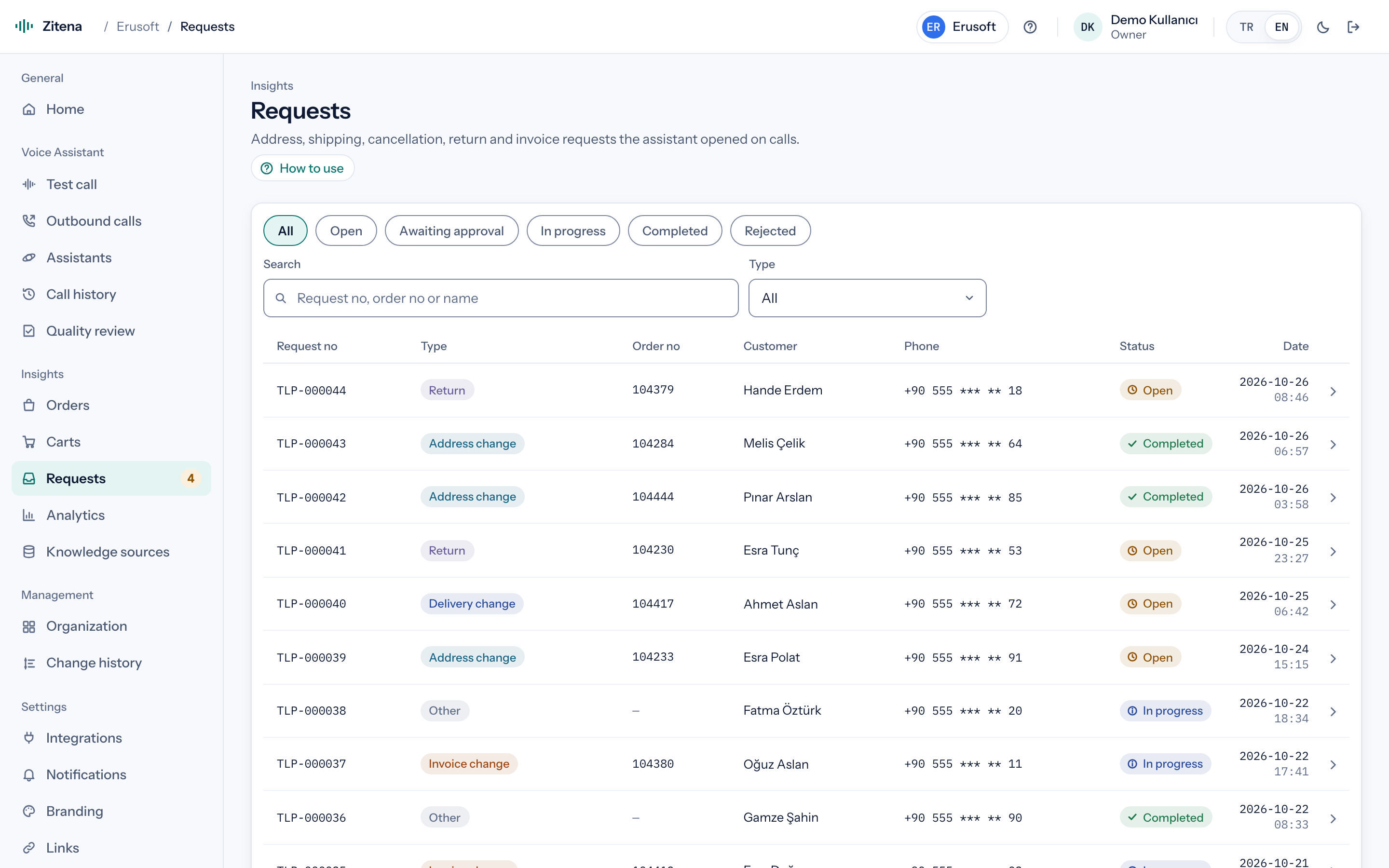
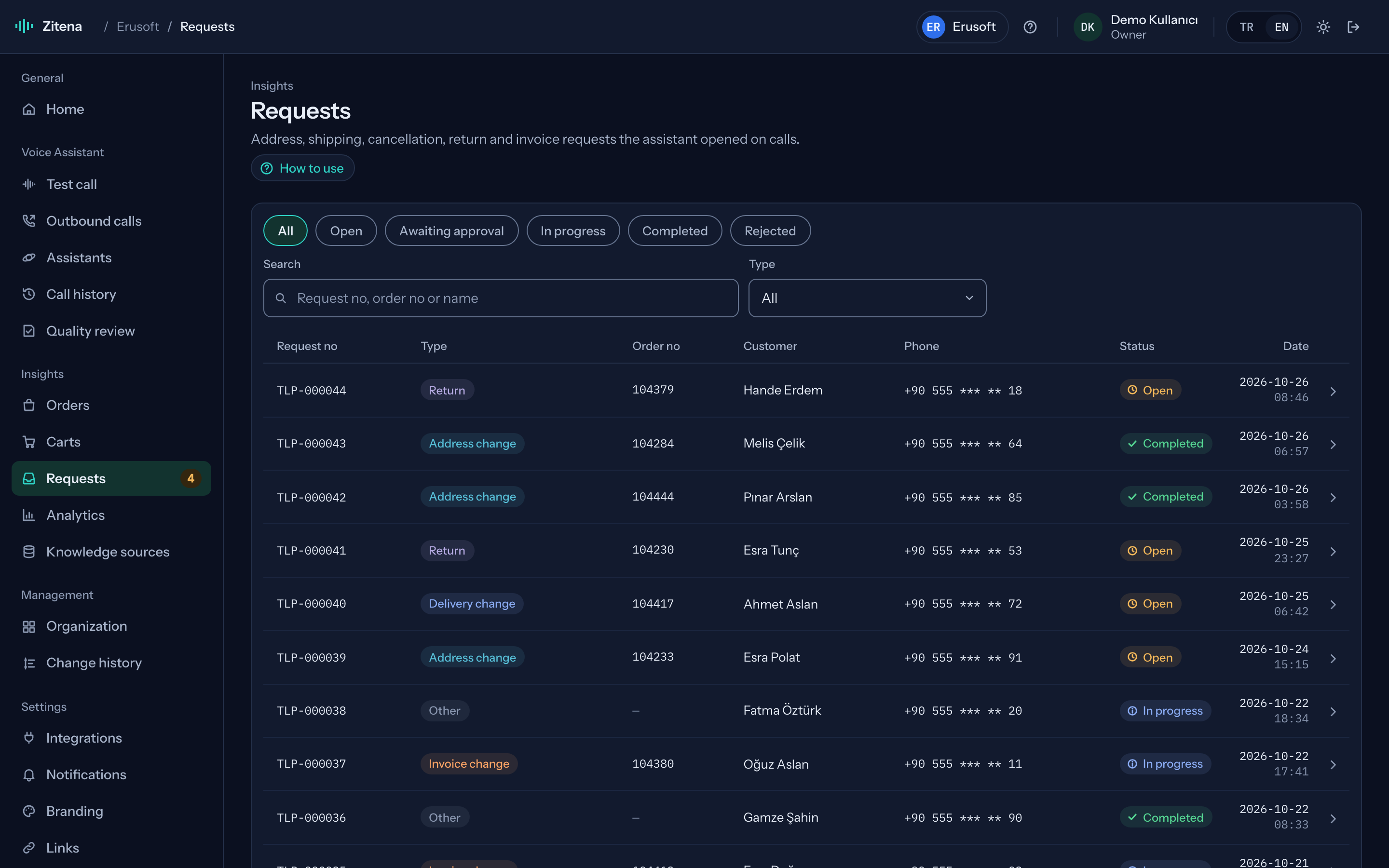
Work the agent opens lands in your team's inbox.
Address changes, returns, exchanges, callbacks: every request the agent opens arrives linked to its call. Your team updates the status, and webhooks can send it to your own system too.
- Requests linked to calls
- Status tracking
- Export by webhook
Screens
The real console, in a demo workspace.
The screens below come from a Turkish retailer's demo workspace with fictional data. Use the arrow keys to move between tabs.
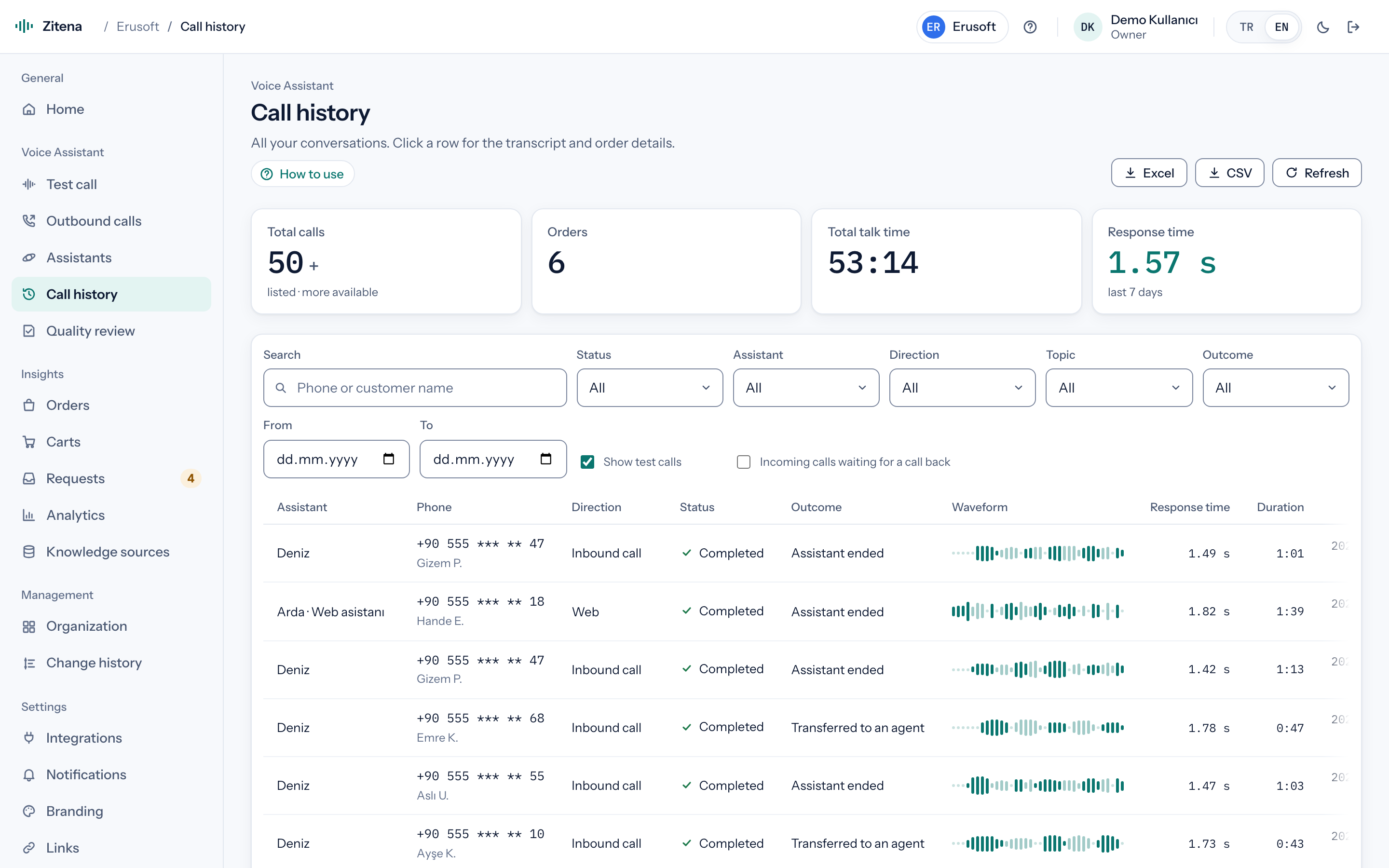
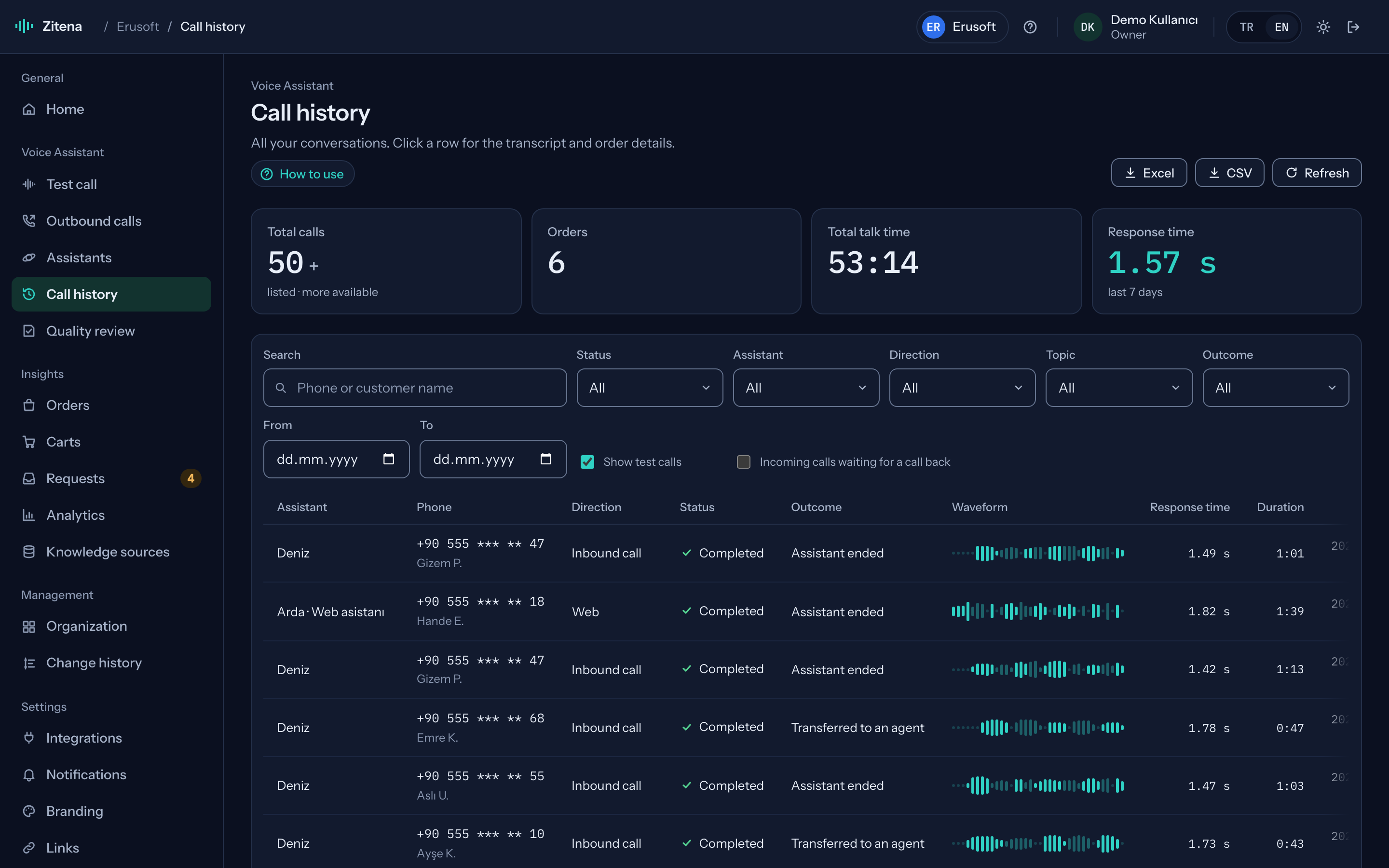
Call history with masked numbers
Every call, with numbers masked. Filter by number, name, assistant or status, and pull out inbound calls waiting for a callback in one click.
- Search by number or name
- Assistant, direction and status filters
- Waiting for a callback
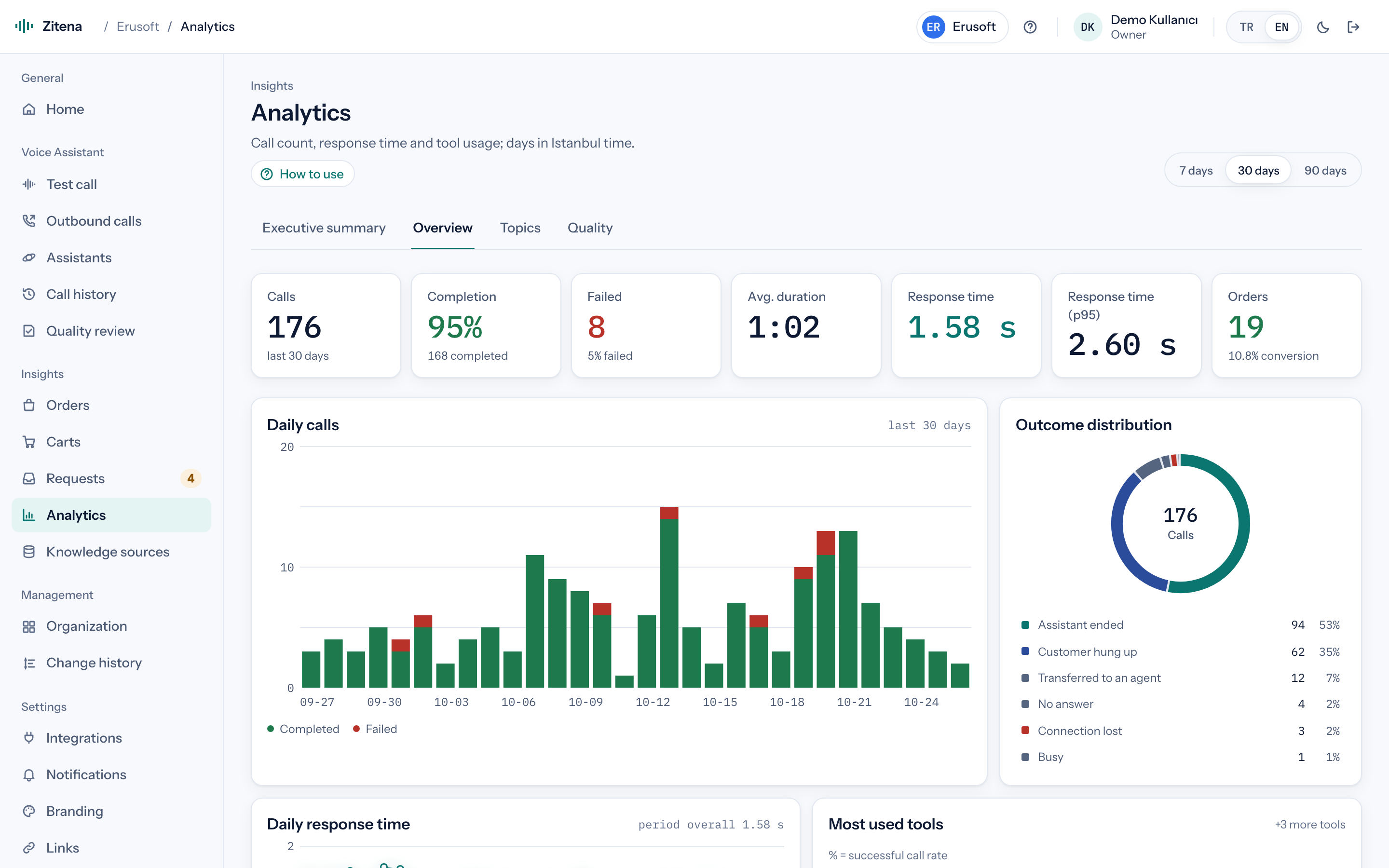
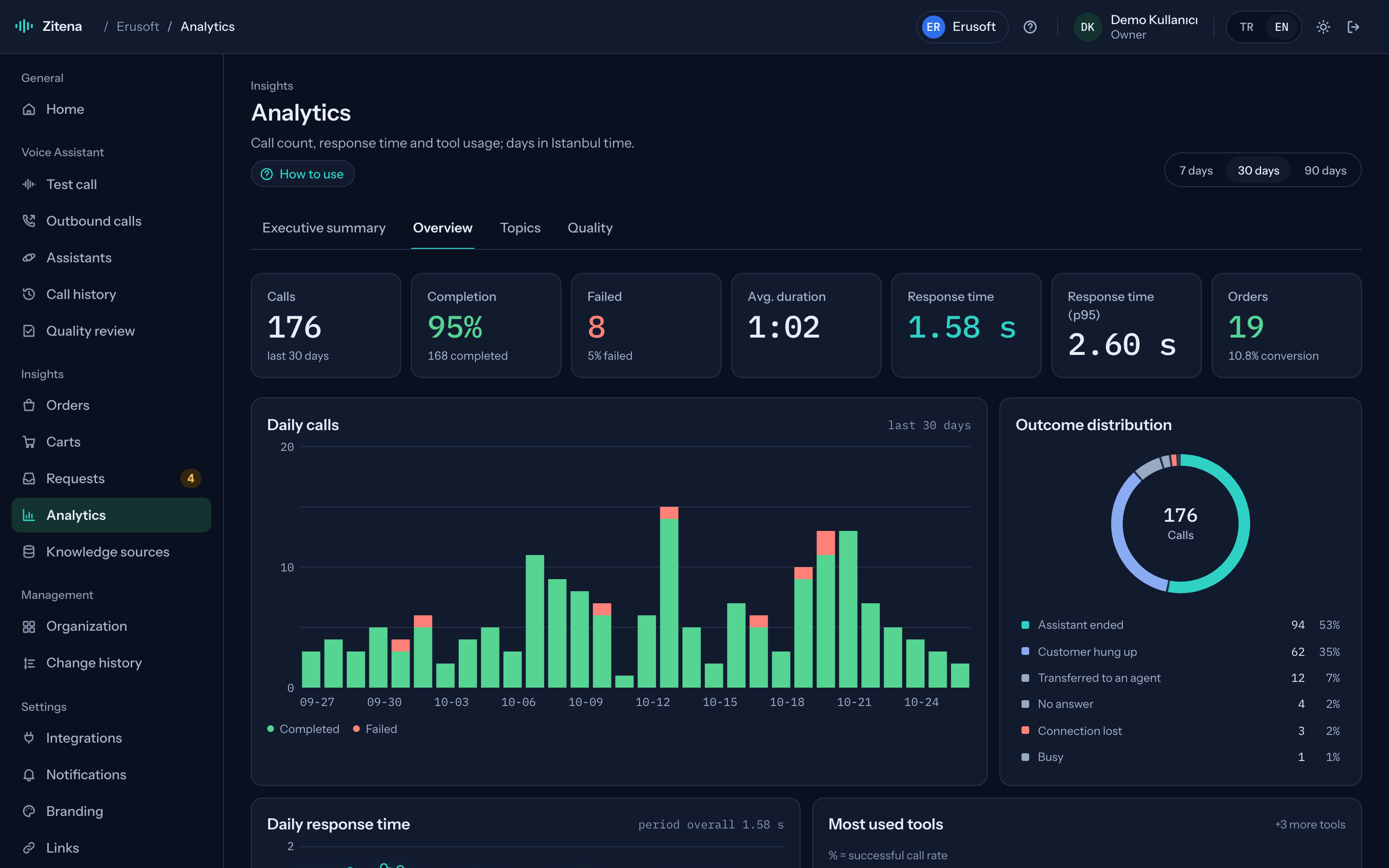
Daily calls, outcomes, response times
For the period you choose: daily call counts, how calls ended and response times.
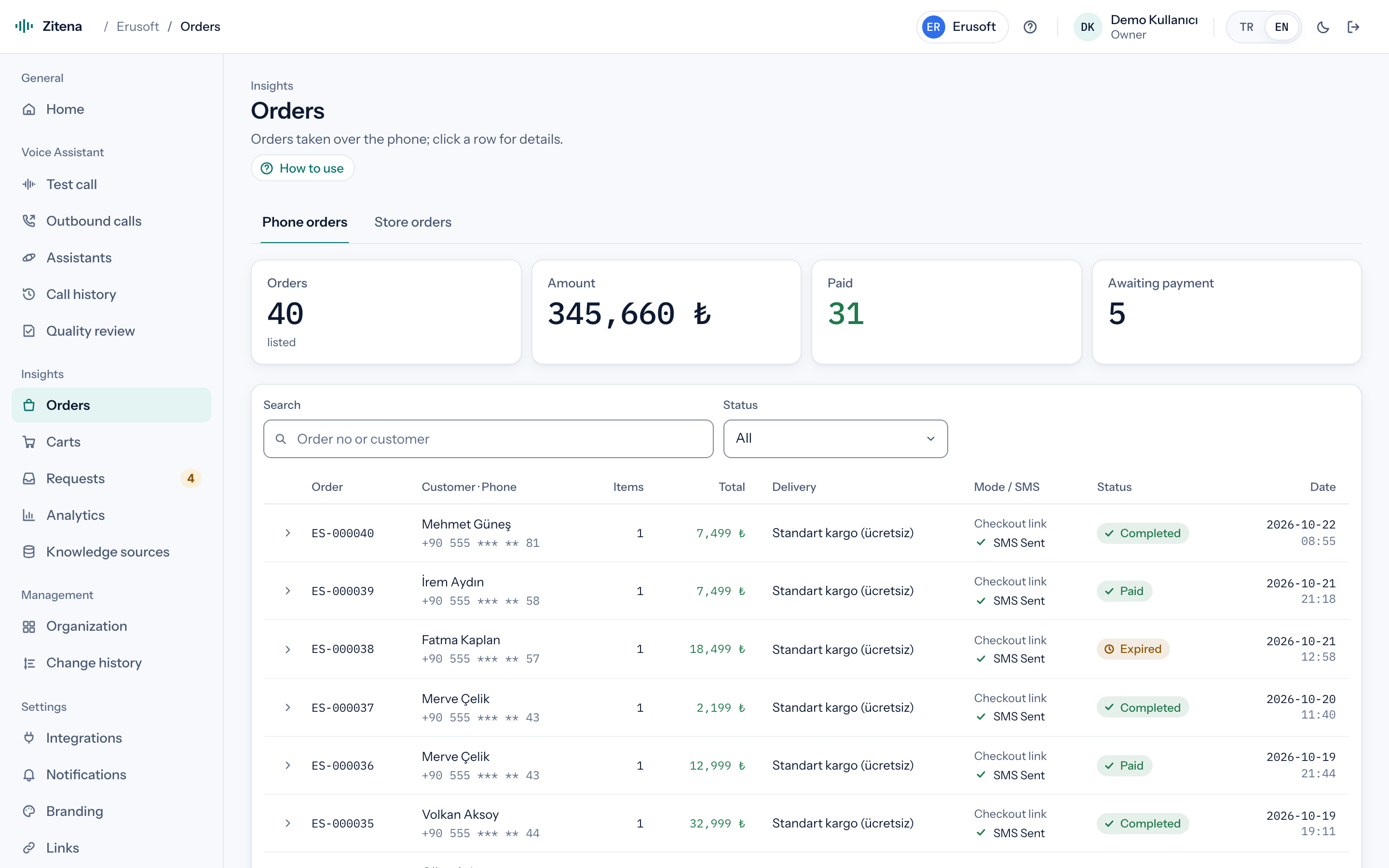
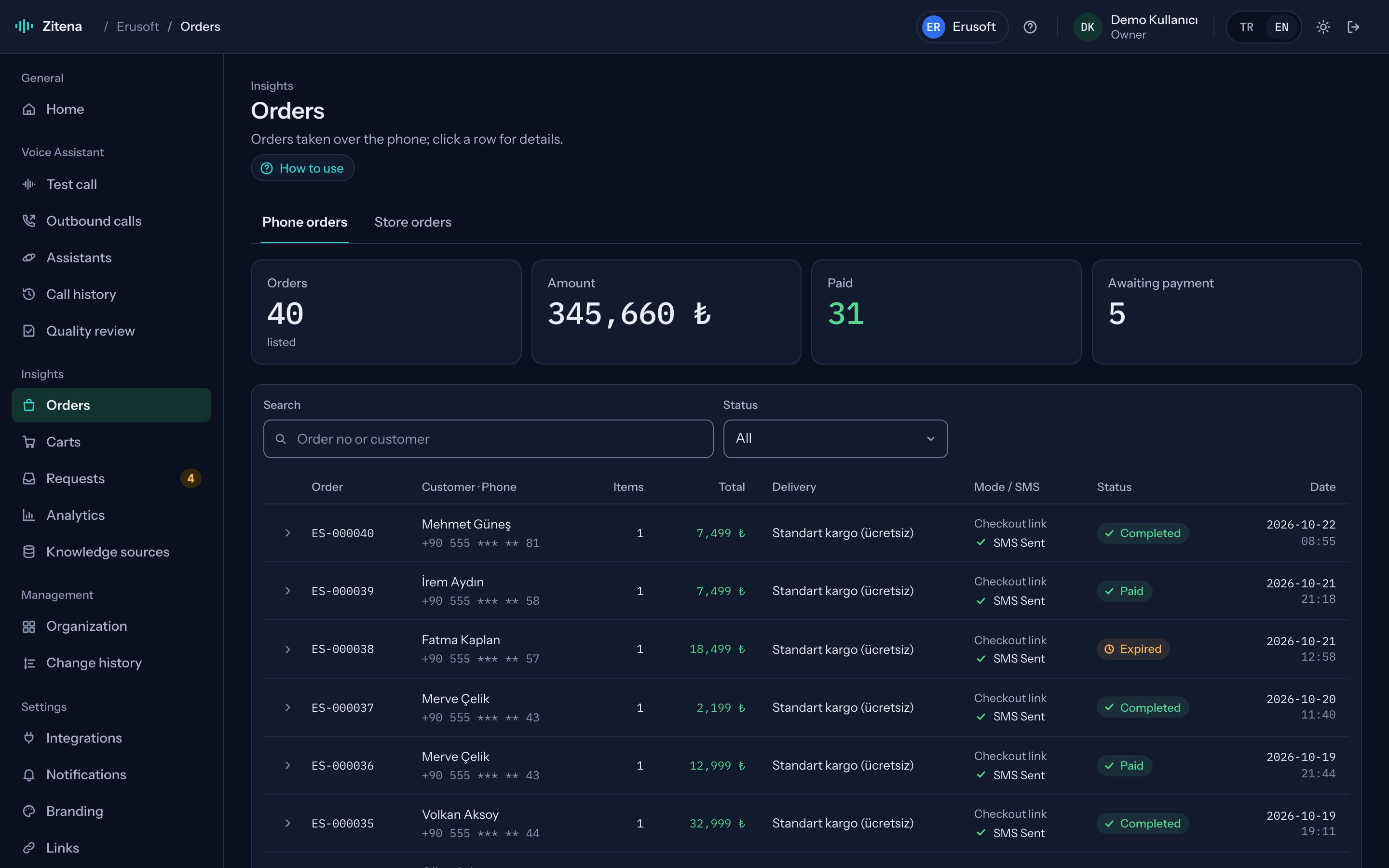
Orders discussed on the phone
See which order was handled on which call, and move from order to call and back.
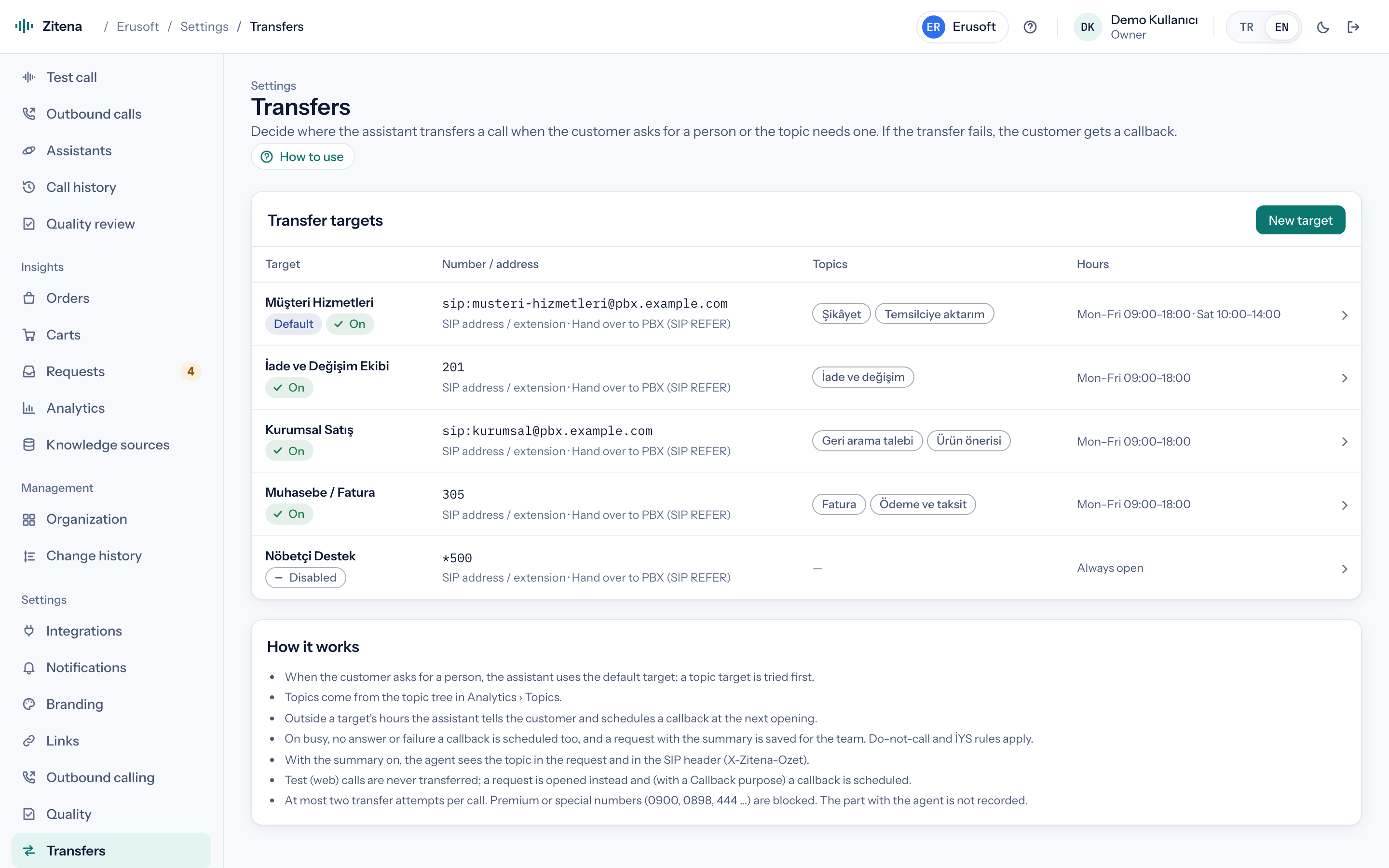
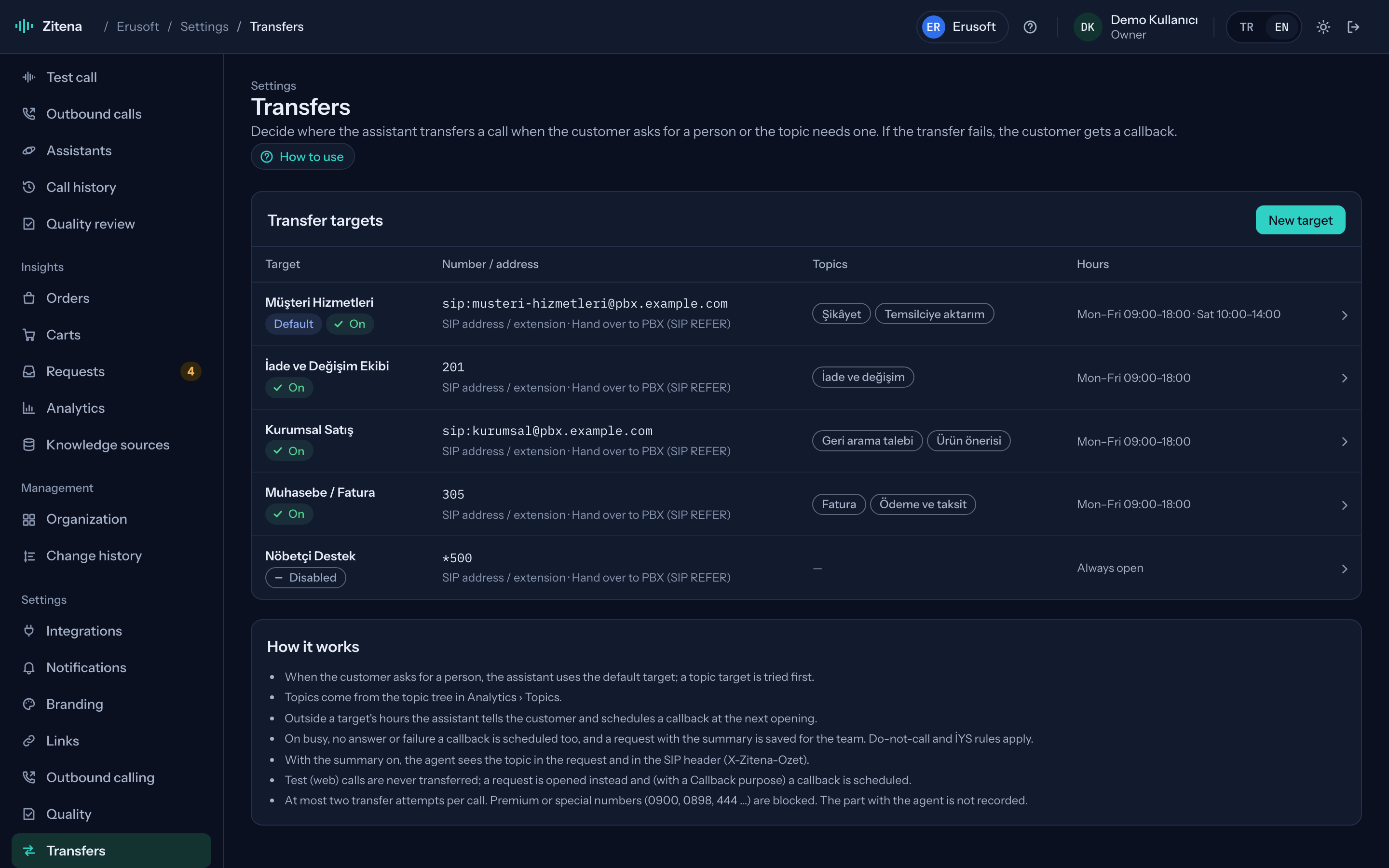
Who, for what, and when
Set transfer targets by topic and working hours; if nobody answers, the agent books a callback.
Versions and testing
Call it yourself before you publish.
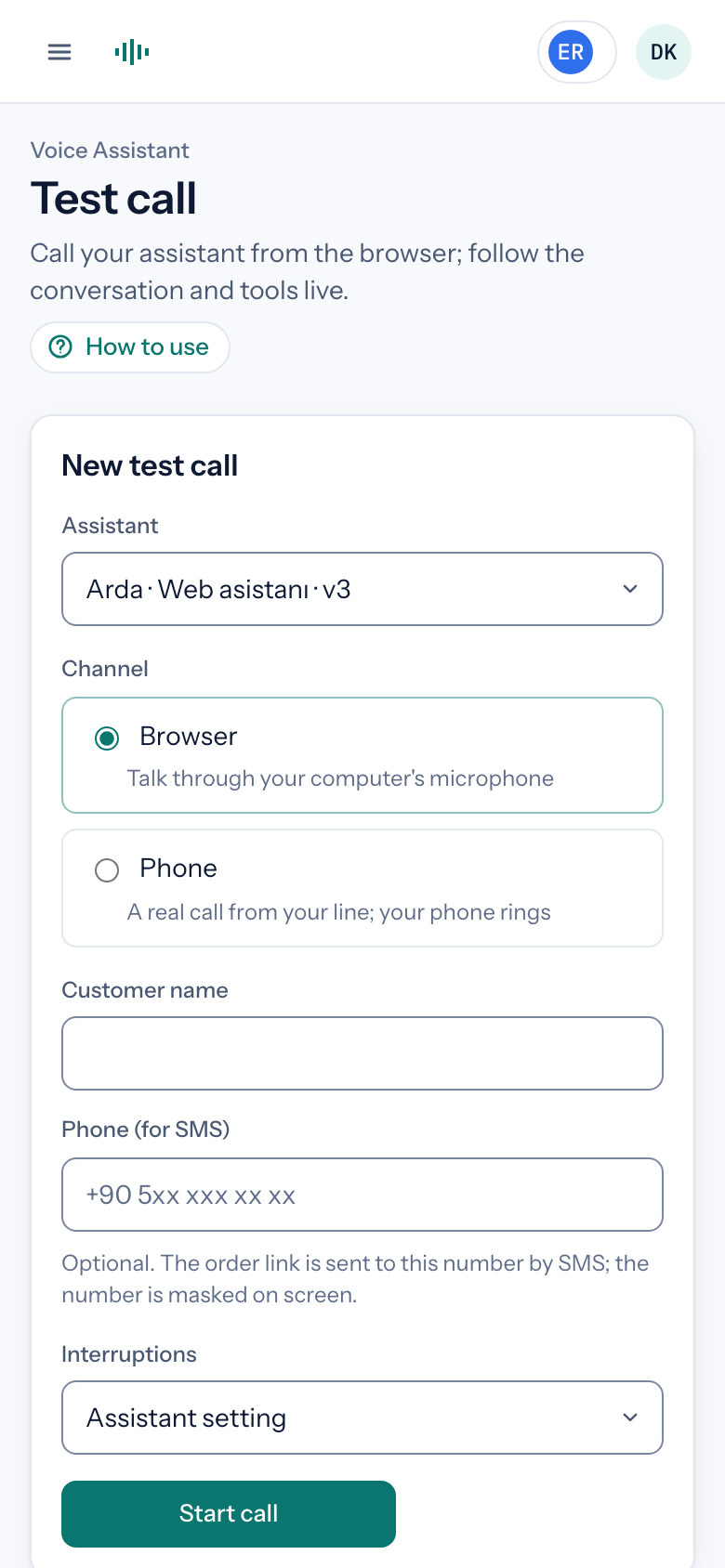
Every assistant setting is versioned. Test a new version by talking to it in the browser or by starting a test call to your own phone. Publish when you are happy; if something goes wrong, roll back to the previous version.
- Test calls from the browser
- Test calls to your own phone
- Publish and roll back versions
- Test calls are flagged separately in call history
Administration
Team, settings and records in one place.
Change history
Who changed what, and when: every change from assistant settings to integrations is recorded.
Roles
Owner, admin, member and viewer roles. Only authorised people update credentials.
Integrations and data feeds
Store connection, XML/CSV feeds, API keys and webhooks, with their sync status.
Platform workspace
A platform view for teams running several stores, with features enabled by package.
Agent desk: your team takes calls in a browser softphone. Calls the agent transfers go to an available team member through topic-based queues; if everyone is busy, the customer waits in the queue or goes on the callback list. Enabled on request.
Hear it on a call with your own store's data.
In thirty minutes we walk through the console, place a live call and work out which of your calls the agent can take.
or write to [email protected]